Tag: Campaign Management

  • 5 Steps to Get Your Business Ready for the Holiday Sales Season !!

    5 Steps to Get Your Business Ready for the Holiday Sales Season !!

    5-steps-to-get-your-business-ready-for-the-holiday-sales-season

    Holiday season generates maximum business in the shortest period for most of the online businesses. The preparation for holiday season starts at least 6 months earlier in most of the businesses. Few businesses are little late and they start waking up just before the holiday season. This article is for these businesses to get their act together for holiday sales seasons in the shortest possible time.

    1. Your website : 

    Your website is your face to the world. Use following check list to check about this.

    • Responsive design : Make sure that your website is responsive. What we meant by responsive is that it should render correctly on mobile devices viz mobile and tablet. Remember, according to survey 60% of the visitors visit via mobile devices. So if your website is not mobile friendly, please work on this aspect on war footing. Talk to us if you need any expedited help.
    • Website content : Please check your website for the appropriate content. Writing clean and original content improves your website ranking and helps in SEO.
    • Metadata and Keywords : Please make sure that you use correct metadata and keywords so that your site can be found by search engines.
    • Set up google analytics : Set up google analytics for monitoring the visitors, goals , behaviors etc of your visitors. Analyze the traffic at all times and make the appropriate corrections
    • Security vulnerabilities : Check if your site has any security vulnerability. Speak to experts and get the audit done.
    • Load Testing : During the holiday season, the traffic to your site may increase multi-fold. Work with your IT team and get your site load tested to avoid crashes during the peak season.

    2. Products and pricing :

    • Product upload : Create appropriate images and upload your products to your site. Double check for any errors in descriptions, features etc. As far as possible automate this uploading process. It can be very time consuming and frustrating to upload 100s and 1000s of products to online e-commerce system.
    • Also set up your pricing appropriately

    3. Supply chain management :

    • The success of any online business also depends on how efficient their supply chain is. You can get into terrible situation if there is a demand supply mis-match.
    • Talk to your suppliers and set up your supply chain network appropriately
    • Stock your warehouse . Deploy warehouse management system / Inventory management system for better control
    • Set up automatic connectors between your e-commerce store and inventory management system. This saves tremendous time and increases productivity by leaps and bounds. Check out our e-commerce, crm, accounting, email marketing  and  inventory connectors on ready connectors page.
    • Set up your drop ship arrangements.

    4. Customer Support :

    • Remember, these days customer support is new sales.
    • Set up customer support process.
    • Set up the escalation process as well.
    • Clearly mention support timings on the website.
    • Set up communication process
    • Train customer support agents properly. Excellent customer support delights the customers and forces them to remain loyal with your brand. It takes lots of efforts to get new customers whereas getting repeat order from the same customer is very easy if you maintain highest standard of customer support.

    5. Marketing/ Sales :

    If you need any help in automating some of these activities, please talk to us. Good luck !
  • How to create a perfect campaign management system in 7 steps for Holiday season?

    How to create a perfect campaign management system in 7 steps for Holiday season?

    Campaign Management system using Zoho CRM, MailChimp and KloudConnectors

    Holiday season is round the corner. Entrepreneurs can create a perfect Campaign Management system using Zoho CRM, MailChimp and KloudConnectors in 7 steps without breaking their bank .

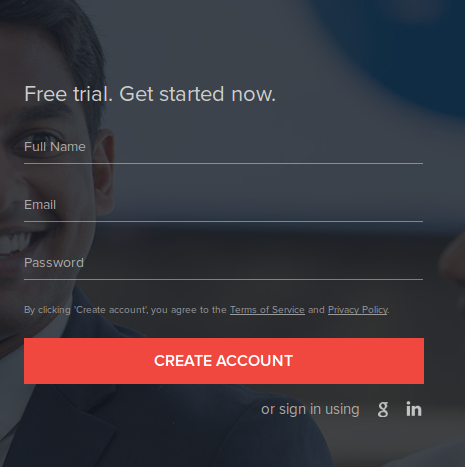
    Step I – Sign up for Zoho CRM :

    Zoho CRM is one of the leading and value for money cloud based Customer Relationship Management system. They have different editions. Every edition has different features and price points. They have free , standard ( $12/month/person), Professional , Enterprise, CRM Plus and Ultimate editions. For creating campaign management system, we recommend you to sign up for at least standard plan. Free plan will work as well. Upload your leads and contact to respective modules in Zoho CRM. If you haven’t signed up Zoho CRM yet then you can easily sign up here.

    zoho-sign-in

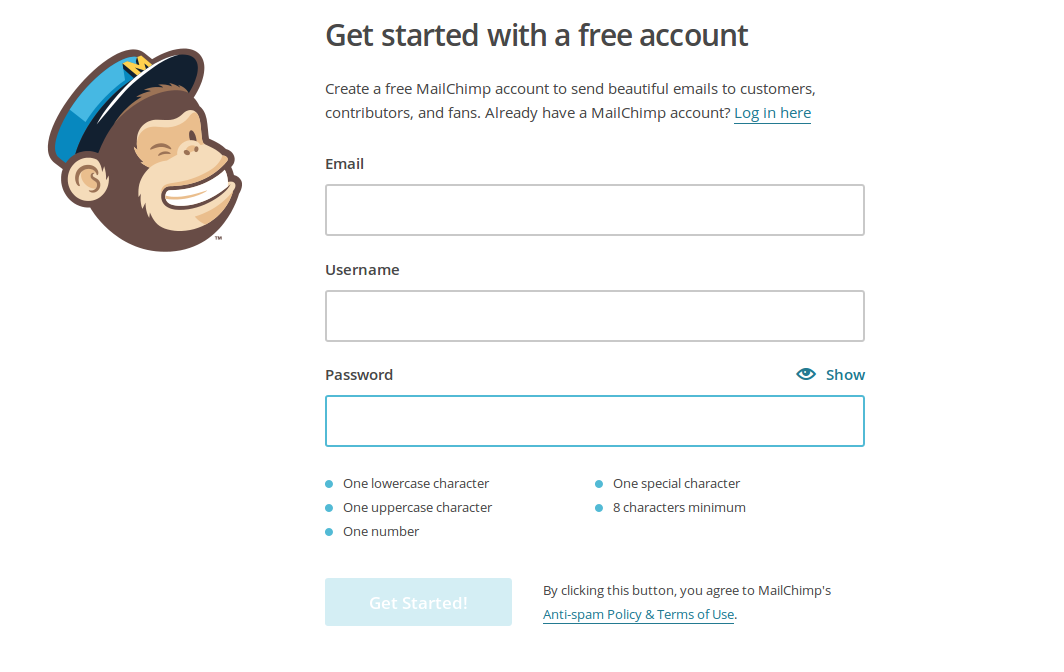
    Step II – Sign Up for MailChimp :

    MailChimp is probably the best email marketing system. MailChimp has a free plan which allows you to send 12000 emails and offers 2000 free subscribers. If you want to send more emails or want to have more subscribers, you can sign up for higher paid plans.

    mailchimp_signup_screenshot

    Step III – Sign up for KloudConnectors :

    KloudConnectors is a cloud integration platform which connects several popular saas systems. KloudConnectors has more than 55 ready connectors which integrates systems like Zoho CRM and MailChimp. KloudConnectors can integrate several other crm systems and also email marketing systems. It also has several connectors to connect your online stores ( Shopify, BigCommerce, WooCommerce, Magento, 1Shopping cart etc). Zoho and MailChimp connector ( Link) is available for a small sum of $19.99 for a month or at a discounted annual price of $179 per annum. Sign up for any of these subscription. KloudConnectors uses PayPal as a payment gateway so you are always in control of your subscription.

    ztm

     monthly plan annual plan


    Step IV – Plan your campaign :

    Create your email template in MailChimp. You can use standard template in MailChimp or design your own template using simple to use designer. Also create a MailChimp list where you want KloudConnectors to sync your leads or contacts.


    kc_list_image

    Step V – Set up your connector in KloudConnectors :

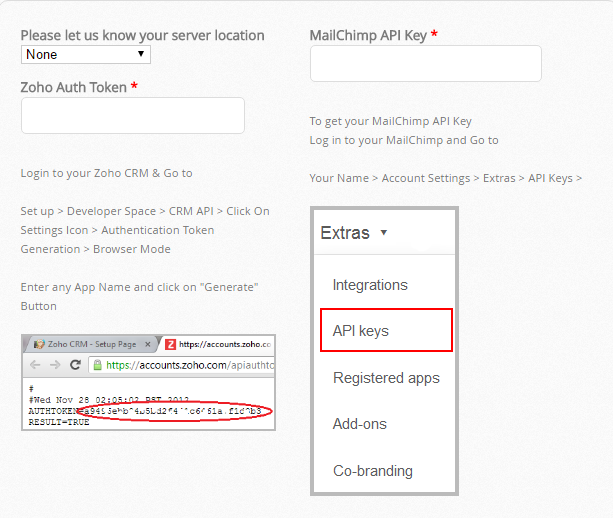
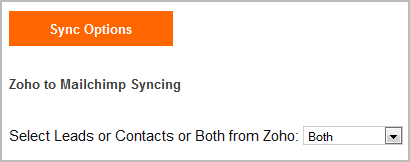
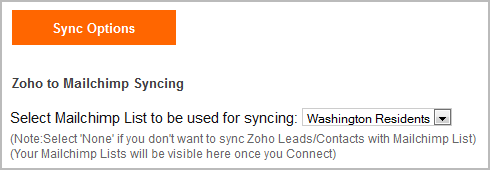
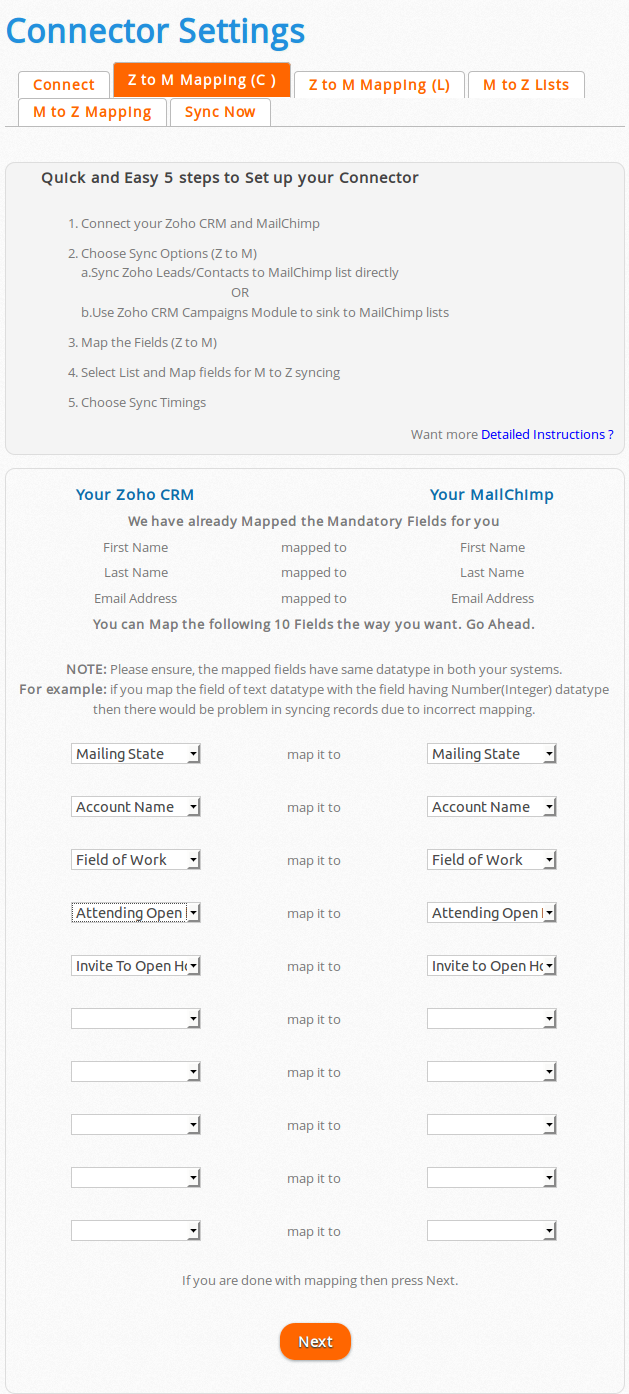
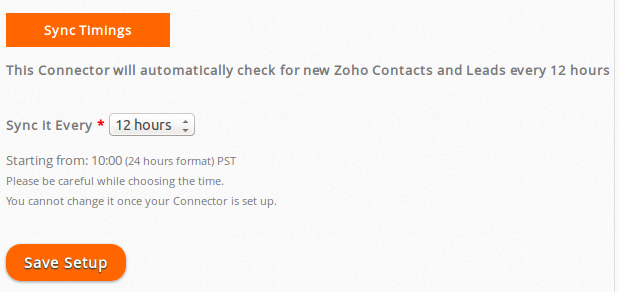
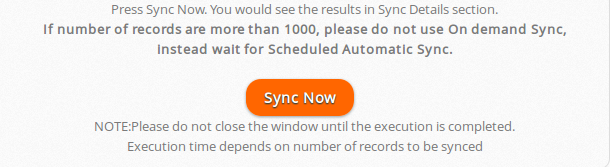
    You would need to follow instructions given in the User Guide of your connector on kloudconnector’s site and set up your connector. It is very easy to set up if you follow the instructions. It takes about 3 minutes to set up your connector. You can decide to sync your   Leads/Contacts or Zoho CRM campaign to MailChimp list. You can also map the fields from your Lead/Contacts modules with MailChimp list. KloudConnectors sync your data every 12 hours or on demand. If you want to sync immediately, just press sync now and your data would be synced with MailChimp.

    kc_setup

    select_lead_contact_zoho select_mailchimp_washington_list

    map_fields

    cron_setup

    sync_now

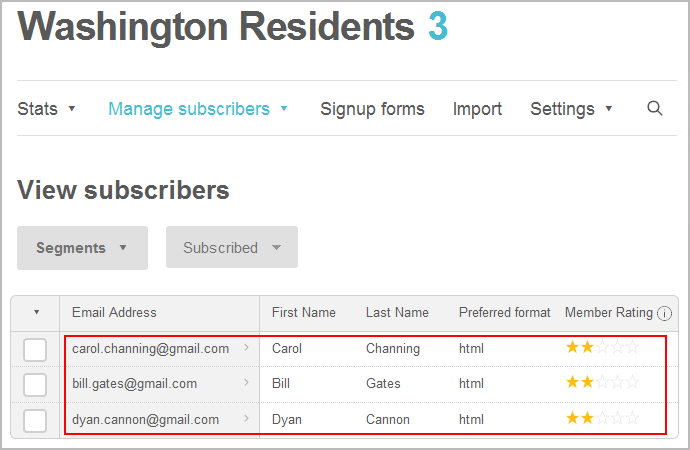
    list_subscribers_in_mailchimp

    Step VI – Create a campaign in MailChimp using the list ( or segment in the list ) and the template created in earlier steps.

    Step VII – Send or schedule your campaign in MailChimp

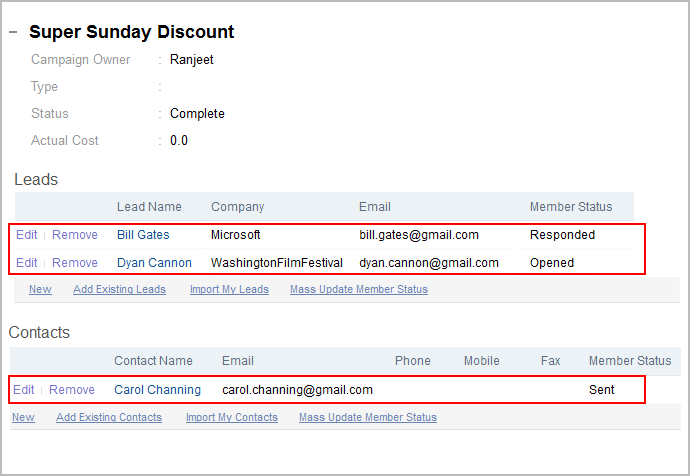
    If you want to see the campaign results like open , bounced etc in Zoho CRM for your leads/contacts then select the checkbox for syncing campaign statistics check box in KloudConnector set up.

    sync_statistics

    details_campaign_in_zoho

    KloudConnectors also offers Constant Contact, Campaign Monitor and iContact Connectors for Zoho CRM. You can follow the same process for creating solid campaign management system using these software. Good luck !