Author: KloudConnectors

  • Zoho Inventory to Zoey Bidirectional Stock Sync Connector

    Zoho Inventory to Zoey Bidirectional Stock Sync Connector

    Zoho Inventory to Zoey Bidirectional stock sync Connector

    Zoho Inventory to Zoey Bidirectional Stock Sync Connector

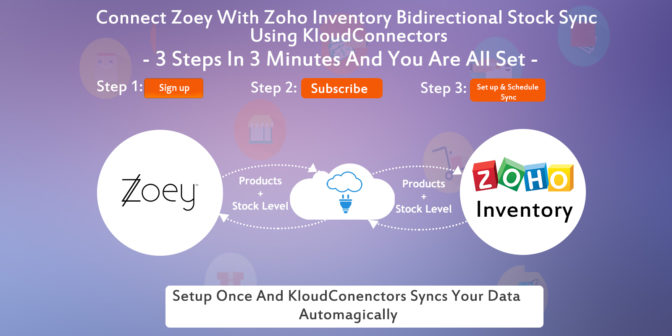
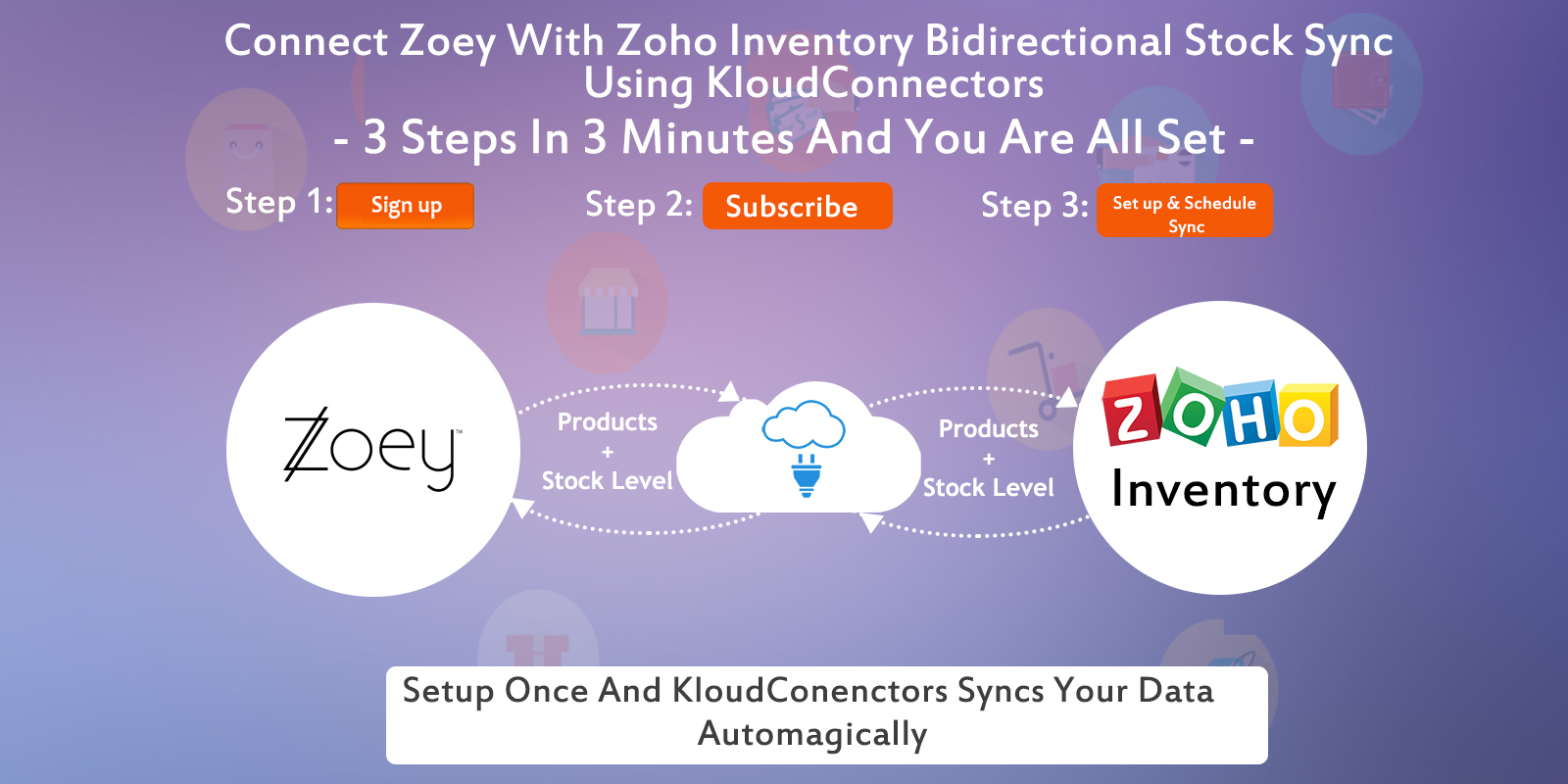
    Kloud Connectors is happy to announce addition of one more Connector to our family, Zoey to Zoho Inventory Bidirectional stock sync Connector. Now, Zoey users can sync Products and stock level to inventory system with one of the most exciting Inventory software Zoho Inventory.

    Description:

    ZInvTZoeySS integrates Ecommerce system with the Inventory Management software.

    • Firstly it connects your Zoey and Zoho Inventory using Zoho Inventory to Zoey Bidirectional Stock Sync Connector.
    • It also sync all your Products in Zoho Inventory.
    • The most important thing is it can sync the inventory level your Zoey Products into Zoho Inventory.

    List of features:

    Schedule the Sync once and Enjoy the benefits every single day. Focus on your core business

    • It Sync Products from your Zoey into Zoho Inventory autoMagically.
    • Get your Ecommerce system integrated With Inventory Management software using Kloud connector.
    • In addition to above features, it sync Zoey and Zoho Inventory using Zoho Inventory to Zoey Bidirectional Stock Sync Connector.
    • Finally, you can set up the connector once and it runs automatically. Connector also comes with Sync on Demand option which allows you to Sync immediately.

      In Paid plan you will get following facilities:

       SYNC ANY TIME, UNLIMITED PRODUCTS SYNCING, REVERSE SYNCING AVAILABLE

    15 days Free Trial is available for ZInvTZoeySS Conncetor ,so that you can see it in action before clicking the buy button. The price of monthly subscription, where there is no limit on number of records imposed by us, is priced attractively at US$ 30.00 per month. For such a small amount, what you get is a hassle free working with both the systems that you love, Zoey and Zoho Inventory.

    If you are a Zoho Inventory User and Zoey fan, why don’t you give it a try ? Trial is Free.

    Try Now annual planmonthly plan


    Watch How to Setup and Sync Products Between Zoho Inventory to Zoey Bi-Directional Stock Sync.


    Support/Contact Information:

    Have a Question about our Connectors ?

    You can also write to us about your issues at

    support@kloudconnectors.com

    Need to discuss more about a product before buying ?

    Our Sales team would love to talk to you. Write to them at sales@kloudconnectors.com

    You can also reach us on our Phone Numbers

    US +1 917-720-3661

    UK +44-08447048669

    IN +91-20-25393381

  • Zoey to Zoho Books Connector

    Zoey to Zoho Books Connector

    Zoey To Zoho Books Connector.

    Zoey to Zoho Books Connector

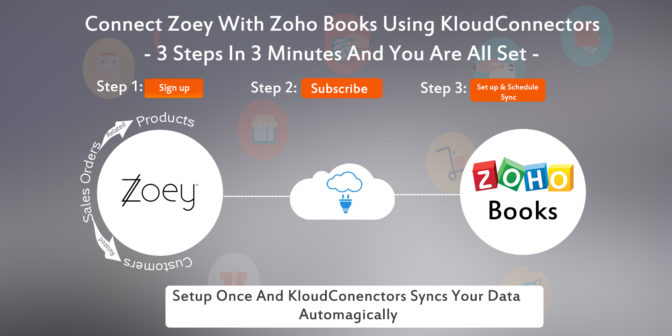
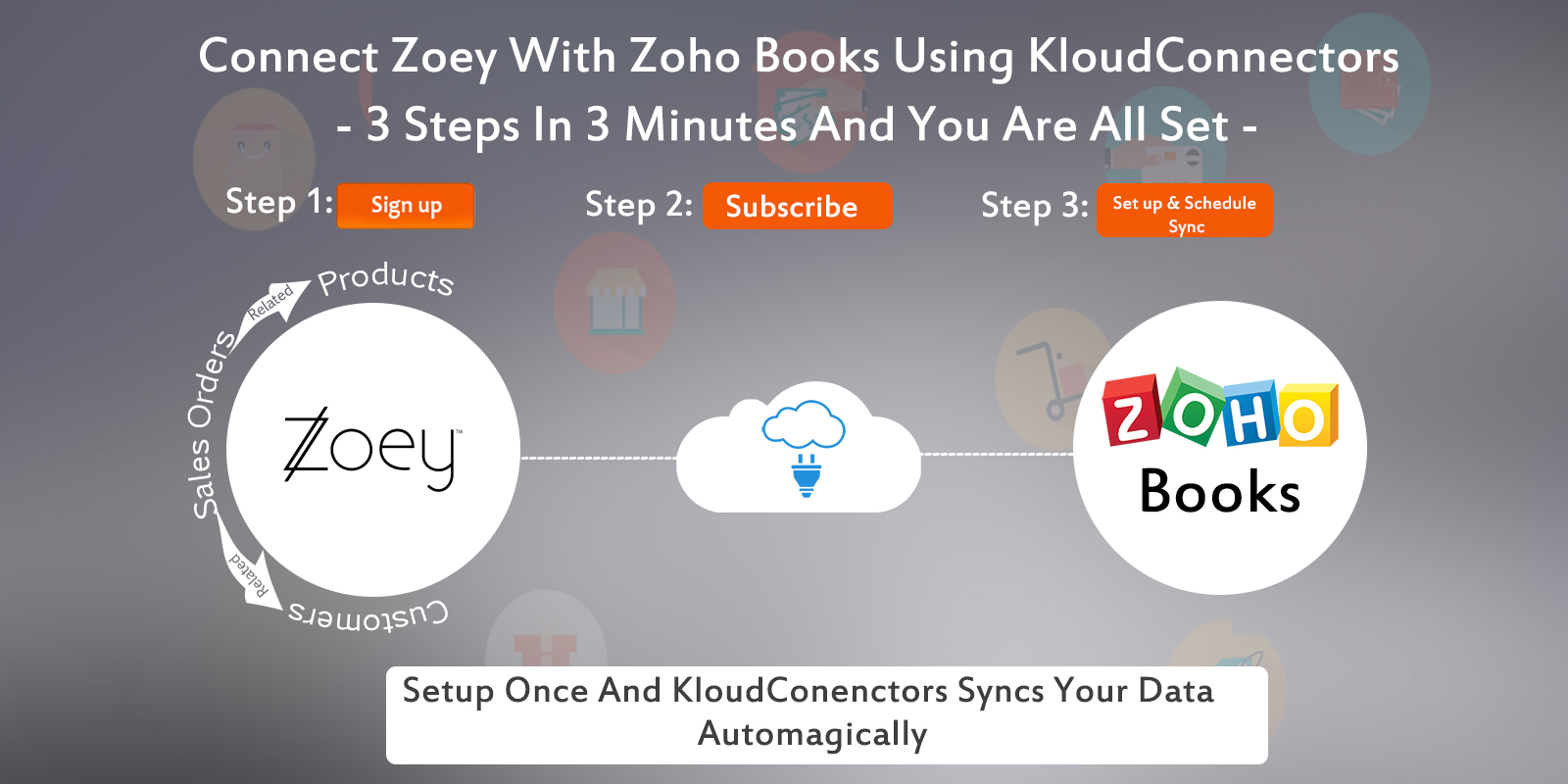
    Kloud Connectors is happy to announce addition of one more Connector to our family, Zoey to Zoho Books Connector. Now, Zoey users can sync their Sales Orders related Customers and Products with one of the most exciting Accounting software Zoho Books.

    Description:

    ZoeyTZBooks integrates Ecommerce system with the Accounting software.

    • Firstly, Zoey to Zoho Books Connector connects your Zoey and Zoho Books.
    • It can sync all your Orders and also related Contacts and Products in Zoho Books.
    • The most important thing is, it also syncs the status of your Zoey Orders into Zoho Books. This is especially relevant as all the accounting entries are done automagically.  

    List of Features:

    Schedule the Sync once and Enjoy the benefits every single day. Focus on your core business

    • Get your popular Products autoMagically from your Zoey to Zoho Books and ensure your sales team is on the same page with the rest.
    • See customer orders from your Zoey getting updated as Sales Orders in your Zoho Books autoMagically.
    • In addition to above features, this also connects your 2 most Important Systems of your Business, your Accounting Software and your E-Commerce system with this E-Commerce plugin.
    • Finally, you can  can set up the connector once and it runs automatically. Connector also comes with Sync on Demand option as a result you can force the sync if you want to sync immediately.

    In Paid plan you will get following facilities:

    SYNC ANY TIME, UNLIMITED SALESORDER RELATED CUSTOMERS , PRODUCTS SYNCING.

    15 days Free Trial is available for ZoeyTZBooks Conncetor so that you can see it in action before clicking the buy button. The price of monthly subscription, where there is no limit on number of records imposed by us, is priced attractively at US$ 30.00 per month. For such a small amount, what you get is a hassle free working with both the systems that you love, Zoey and Zoho Books.

    If you are a Zoho Books User and Zoey fan, why don’t you give it a try ? Trial is Free.

    Try Now annual planmonthly plan


    Watch How to Setup Zoey To Zoho Books Connectors

    Support/Contact Information:

    Have a Question about our Connectors ?

    You can also write to us about your issues at

    support@kloudconnectors.com

    Need to discuss more about a product before buying ?

    Our Sales team would love to talk to you. Write to them at sales@kloudconnectors.com

    You can also reach us on our Phone Numbers

    US +1 917-720-3661

    UK +44-08447048669

    IN +91-20-25393381

  • PrestaShop to Zoho CRM Connector is here !!

    PrestaShop to Zoho CRM Connector is here !!

    Prestashop to Zoho CRM Connector


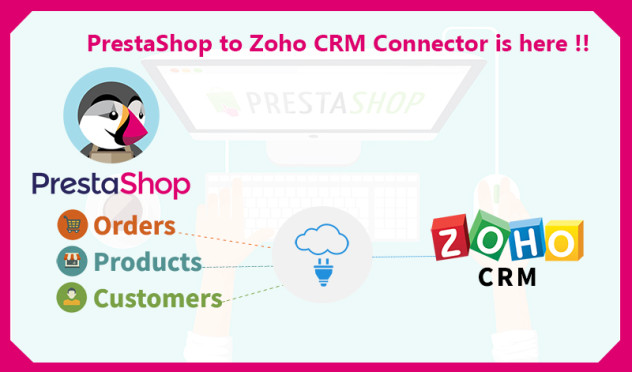
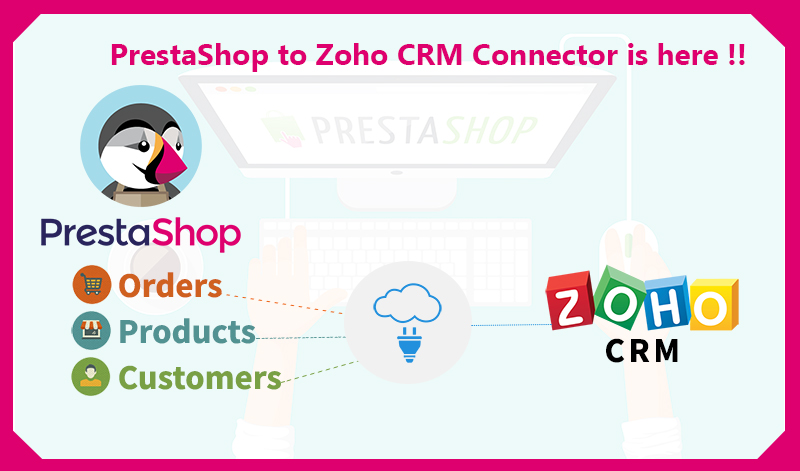
    Kloud Connectors is happy to announce addition of one more Connector to our family, PrestaShop to Zoho CRM Connector (PrestashopTZ) . Now, PrestaShop users can sync their Sales Orders, Customers, Products and relevant taxes seamlessly with one of the best Customer relationship management software – Zoho CRM.

    Managing  customers and communicating with them is very critical for business success.  eCommerce shop needs to engage with their customers all the time. This connector is designed to follow help customers  solve this problem. It allows you to sync PrestaShop Orders, Customers and Products with Zoho CRM. This ensures your sales team is equipped with the right information about their customers.

    This integration between PrestaShop and Zoho CRM by Kloud Connectors gives you a facility to schedule the automatic syncs. This way, you don’t have to remember to sync them, the changes will get synced automatically everyday at the time of your choice. The dashboard of your Kloud Connectors account will show you Sync Details as well as Sync Errors if any, so that you can take corrective actions right there. Giving Such transparency in syncs, such control over data to all the users is a hallmark of Kloud Connectors. And for this connector as well, we have provided all these facilities to give a consistent experience to all our users. As usual, this connector comes with unlimited record sync capabilities.

    15 days Free Trial is available for PrestaShop to Zoho CRM  ConncetorThis will help you to  see it in action before clicking the buy button. This connector, has no sync limits on number of records. This connector is priced very attractively at US$ 29.99 per month. For such a small amount, you can save 100s of hours in manual syncing and also increase your customer engagement through ZCRM.

    If you are using PrestaShop and trying to increase your customers engagement and revenue,  why don’t you give it a try ? Trial is Free.If you have any questions, please get in touch with us on supportATkloudconnectors.com

    Try Now annual plan monthly plan

  • PrestaShop to Zoho Books Connector is here !!

    PrestaShop to Zoho Books Connector is here !!

    PrestaShop to Zoho Books Connector is here !!

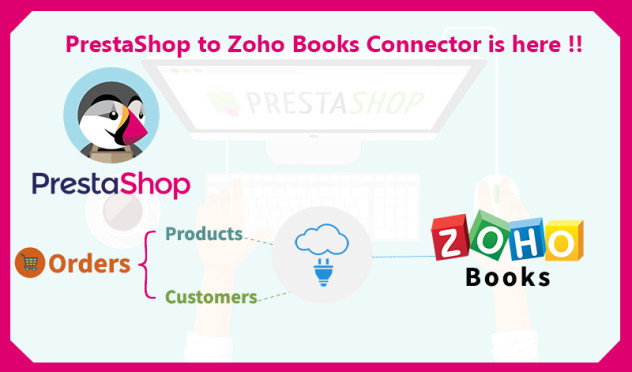
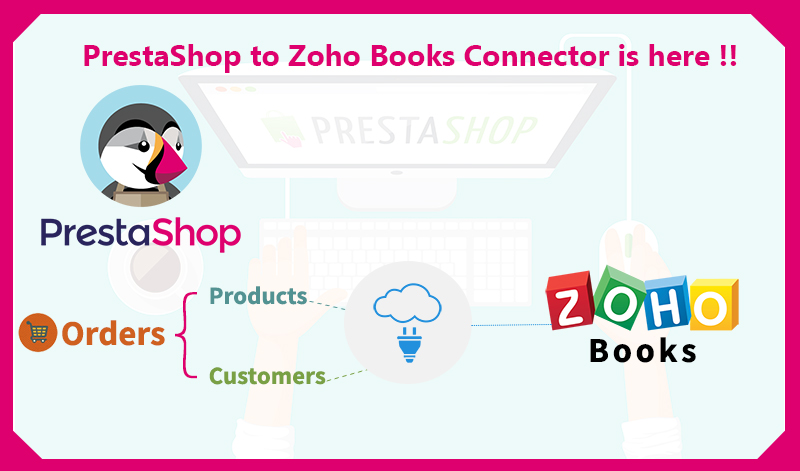
    Kloud Connectors is happy to announce addition of one more Connector to our family,Prestashop to Zoho Books Connector (PrestaTZBooks) . Now, Prestashop users can sync their Sales Orders, Customers, Products and relevant taxes seamlessly with one of the most exciting Accounting software Zoho Books.

    Managing Accounting for eCommerce shop is very critical to their success. This connector is designed to follow help customers achieve solve this problem. It allows you to sync PrestaShop Orders, Customers and Products with Zoho Books. This ensures your inventory management/warehouse management team/Accounting team are on the same page.

    This integration between PrestaShop and Zoho Inventory by Kloud Connectors gives you a facility to schedule the syncs. This way, you don’t have to remember to sync them, the changes will get synced automatically everyday at the time of your choice. The dashboard of your Kloud Connectors account will show you Sync Details as well as Sync Errors if any, so that you can take corrective actions right there. Giving such transparency in syncs, such control over data to all the users is a hallmark of Kloud Connectors. And for this connector as well, we have provided all these facilities to give a consistent experience to all our users. As usual, this connector comes with unlimited Invoice sync capabilities.

    15 days Free Trial is available for PrestashopTZBooks Conncetor so that you can see it in action before clicking the buy button. The price of monthly subscription, where there is no limit on number of records imposed by us, is priced attractively at US$ 29.99 per month. For such a small amount, what you get is a hassle free working with both the systems that you love, Prestashop and Zoho Books.

    If you are a Zoho Books User and Prestashop fan, why don’t you give it a try ? Trial is Free.

    Try Now annual plan monthly plan

  • PrestaShop to Zoho Inventory Connector is here !!

    PrestaShop to Zoho Inventory Connector is here !!

    Products Customers

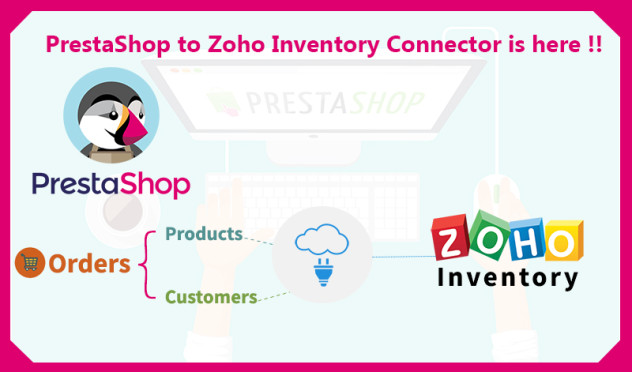
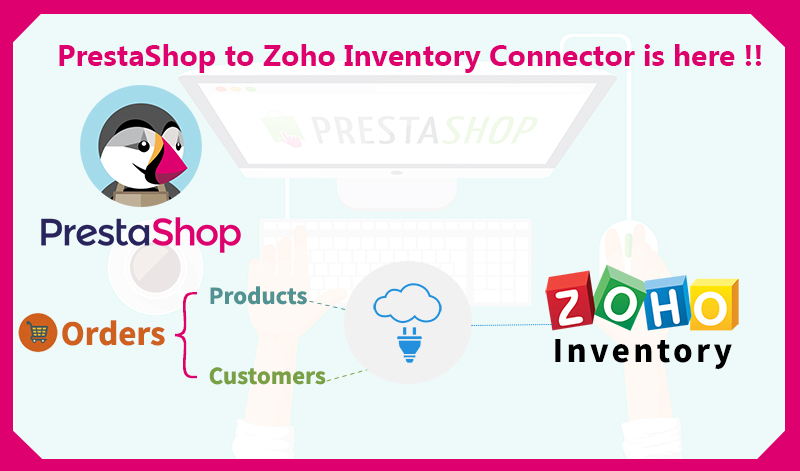
    Kloud Connectors is happy to announce addition of one more Connector to our family,Prestashop to Zoho Inventory Connector (PrestaTZIn) . Now, Prestashop users can sync their Sales Orders, Customers, Products and relevant taxes seamlessly with one of the most exciting Inventory Management software Zoho Inventory.

    Managing Inventory for eCommerce shop is very critical to their success. This connector is designed to follow help customers achieve solve this problem. It allows you to sync PrestaShop Orders, Customers and Products with Zoho Inventory. This ensures your inventory management/warehouse management team is on the same page.

    This integration between PrestaShop and Zoho Inventory by Kloud Connectors gives you a facility to schedule the syncs. This way, you don’t have to remember to sync them, the changes will get synced automatically everyday at the time of your choice. The dashboard of your Kloud Connectors account will show you Sync Details as well as Sync Errors if any, so that you can take corrective actions right there. Giving Such transparency in syncs, such control over data to all the users is a hallmark of Kloud Connectors. And for this connector as well, we have provided all these facilities to give a consistent experience to all our users. As usual, this connector comes with unlimited Invoice sync capabilities.

    15 days Free Trial is available for PrestashopTZIn Conncetor so that you can see it in action before clicking the buy button. The price of monthly subscription, where there is no limit on number of records imposed by us, is priced attractively at US$ 29.99 per month. For such a small amount, what you get is a hassle free working with both the systems that you love, Prestashop and Zoho Inventory.

    If you are a Zoho Inventory User and Prestashop fan, why don’t you give it a try ? Trial is Free.

    Try Now annual plan monthly plan

  • BigCommerce to ZohoBooks Connector gets an Update !!

    BigCommerce to ZohoBooks Connector gets an Update !!

    KloudConnetors updates BigCommerce to Zoho Books Connector !!

    KloudConnetors updates BigCommerce to Zoho Books Connector !!

    The new version will allow customers to select which orders to sync to Zoho Books based on order status.

    Many of our customers had asked if they can sync the orders from BigCommerce with specific status instead of importing all the orders. This was also making the life difficult for the customers as all orders were getting synced including cancelled. As usual, our customers ordered and we delivered.

    KloudConnectors is pleased announce enhancement to the connector will have an option for customers to select which orders they want to sync with Zoho Books.  BigCommerce to Zoho Books connector syncs customers, orders , products from BigCommerce to Zoho Books.

    How to use this feature ?

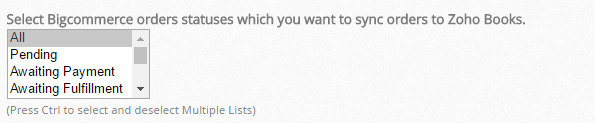
    • Customer needs to go to Connector settings and select the orders with correct statuses to sync. It is a multi-select dropdown. If you don’t select anything then connector will import all the orders by default.

    orders by default

    • If one has created custom statuses , they can add that status in the text box

    status in the text box

    • Save the settings

    Save the settings

    We hope this feature would be useful for the customers who are using our BigCommerce to Zoho Books Connector. If you have any questions, you can reach our support team.support@kloudconnectors.com.

    Try Now annual plan monthly plan

  • BigCommerce to Zoho Inventory Connector gets update !

    BigCommerce to Zoho Inventory Connector gets update !

    KloudConnetors updates BigCommerce to Zoho Inventory Connector !!

    BigCommerce to Zoho Inventory Connector gets update !

    The new version will allow customers to select which orders to sync to Zoho Inventory based on order status.

    Many of our customers had asked if they can sync the orders from BigCommerce with specific status instead of importing all the orders. This was also making the life difficult for the customers as all orders were getting synced including cancelled. As usual, our customers ordered and we delivered.

    KloudConnectors is pleased announce enhancement to the connector will have an option for customers to select which orders they want to sync with Zoho Inventory.  BigCommerce to Zoho Inventory connector syncs customers, orders , products from BigCommerce to Zoho Inventory.

    How to use this feature ?

    • Customer needs to go to Connector settings and select the orders with correct statuses to sync. It is a multi-select dropdown. If you don’t select anything then connector will import all the orders by default.

    orders by default

    • If one has created custom statuses , they can add that status in the text box.

    status in the text box

    • Save the settings.

    Save the settings

    We hope this feature would be useful for the customers who are using our BigCommerce to Zoho Inventory Connector. If you have any questions, you can reach our support team. support@kloudconnectors.com.

    Try Now annual plan monthly plan

  • 11 Things To Do This Holiday Season For A Great 2017

    11 Things To Do This Holiday Season For A Great 2017

    11 Things to do this holiday season for a great 2017

    The holiday season is usually a very slow season for most of the businesses. There are two options for every entrepreneurs viz take the time off like others or sit tight and do something for smooth sailing in the new year.

    This article suggests 10 things that one can do during this holiday season for better tomorrow.

    1. Get ready for a tax season : The slowdown offers lot of free time. Spend this time on getting yourself and your business ready for the tax season. Most of the small business owners don’t like this activity and many of them do this just before the deadlines. Use this free time to put your documents in place. Make accounting entries, calculate your deductions, expenses. Send invoices to your customers. Give all your records to accountants if you use external help. This will ensure you would have less stress during the tax season.
    2. Clean your office.:  Go through all the piles of papers and magazines that have been sitting around and get rid of them once and for all. Remember the office organizing mantra: do it, ditch it or delegate it. File all your papers, dust and vacuum your office. Reorganize your desk and your office so that you can find everything you need in 60 seconds or less.
    3. Review your business : Analyze what worked during the year and what didn’t work during the year. Knowing what works and what doesn’t will help you plan for a better future for your business
    4. Planning for 2017 : You can spend this time for planning for future. Set goals for 2017. Set up activities, new services as per your goals. Revisit your business strategy
    5. Tidy up your website : During this free time you can have a look at your website critically. Does it convey message to the customers ? Is it responsive ( mobile friendly) ? If not then this is the time to work on it. Remember 60% of the traffic in 2017 would be through mobile devices. Let us know if you need any help here.
    6. Move your systems to cloud : Many organizations are already using cloud apps for their businesses. Have a look at your businesses and see if there is any other business process which needs to go to cloud.
    7. Automate your business as much as possible: Think of automating your business as much as possible. As a small business owner, you are always struggling with bandwidth and resources. It makes sense to take a holistic approach to cloud, moble and automate as many processes as possible. This will give you competitive advantages over others.
    8. Tick of few items from your life’s wishlist : Every person wants to do few things to do before dying. Review your list or prepare one if it doesn’t exist. Try to tick of few during this lull period.
    9. Get your health check up : During busy time, you don’t have time for this. Get your annual health check ups done during this time. Also define your health goals for 2017.
    10. Spend time with family, employees, friends and hobbies: Take a break from your work and spend exclusive time with your family , friends and hobbies. This will make you feel stress free and also foster relationships. Go for opera, movies, golfing, fishing etc.
    11. Holidays season offers for customers / Gifts for customers: If your business allows create tempting holiday season offers for your customers also you can think of gifting your loyal customers.

    As you can see, you can make use of this free time to gear up for better 2017 businesswise.

  • New features in KloudConnectors !!!

    New features in KloudConnectors !!!


    As world is celebrating holiday season, our team is working hard to improve our customer experience. We would be rolling out following features in all our kloudconnectors.

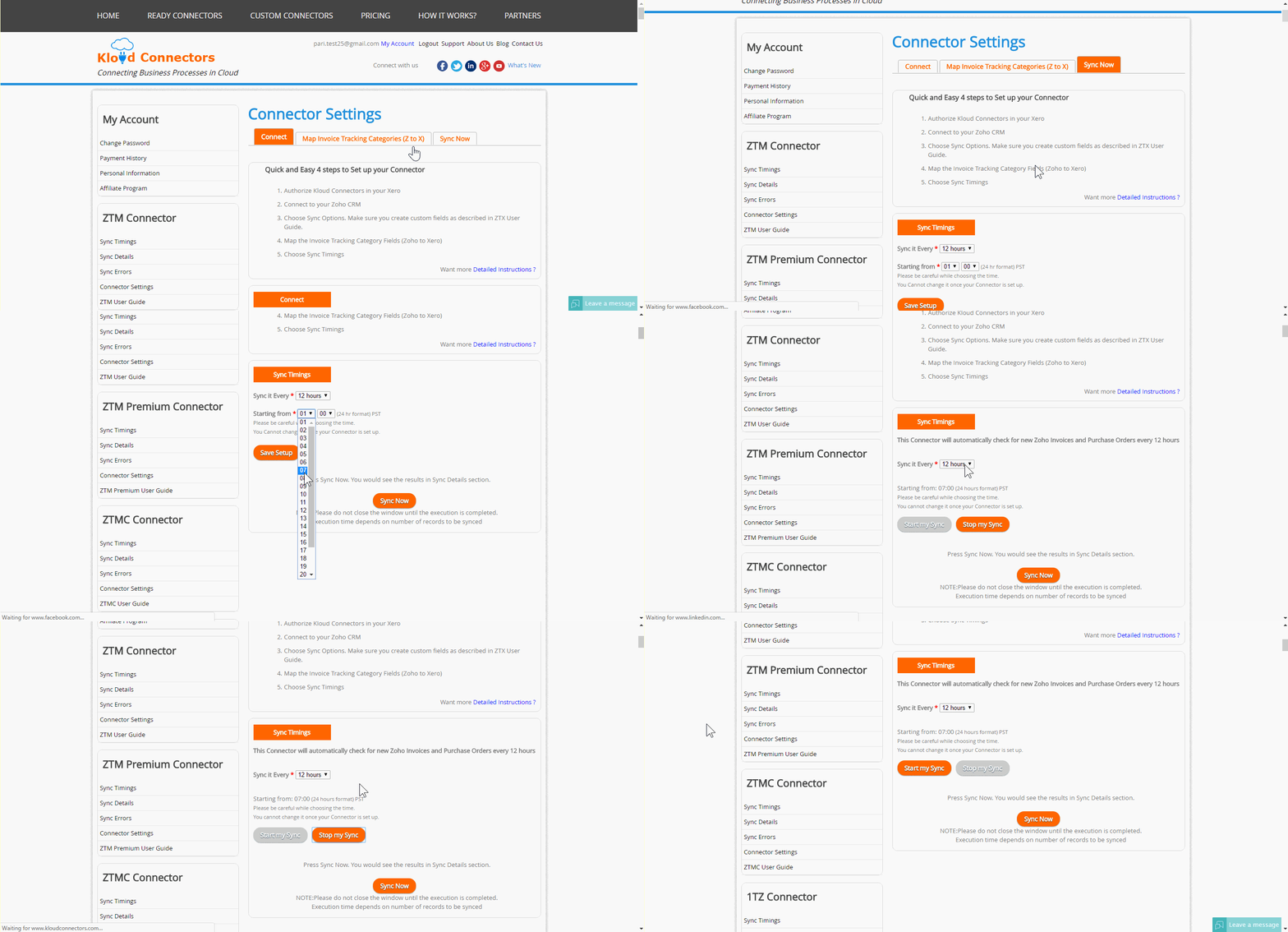
    • Start and stop sync : Sometimes, you would like to stop your syncs for few days or few weeks by keeping your subscription on for some reason. Earlier you had to send an email to us for doing this. Now it is available in the connector dashboard so that you can put a temporary pause on the connector and start.


      •  Sync errors email notifications : Many customers had requested us to notify them if there were errors in their syncs. Earlier they had to login to KloudConnectors to find errors. Now, they would get an email from KloudConnectors if their syncs result in errors.


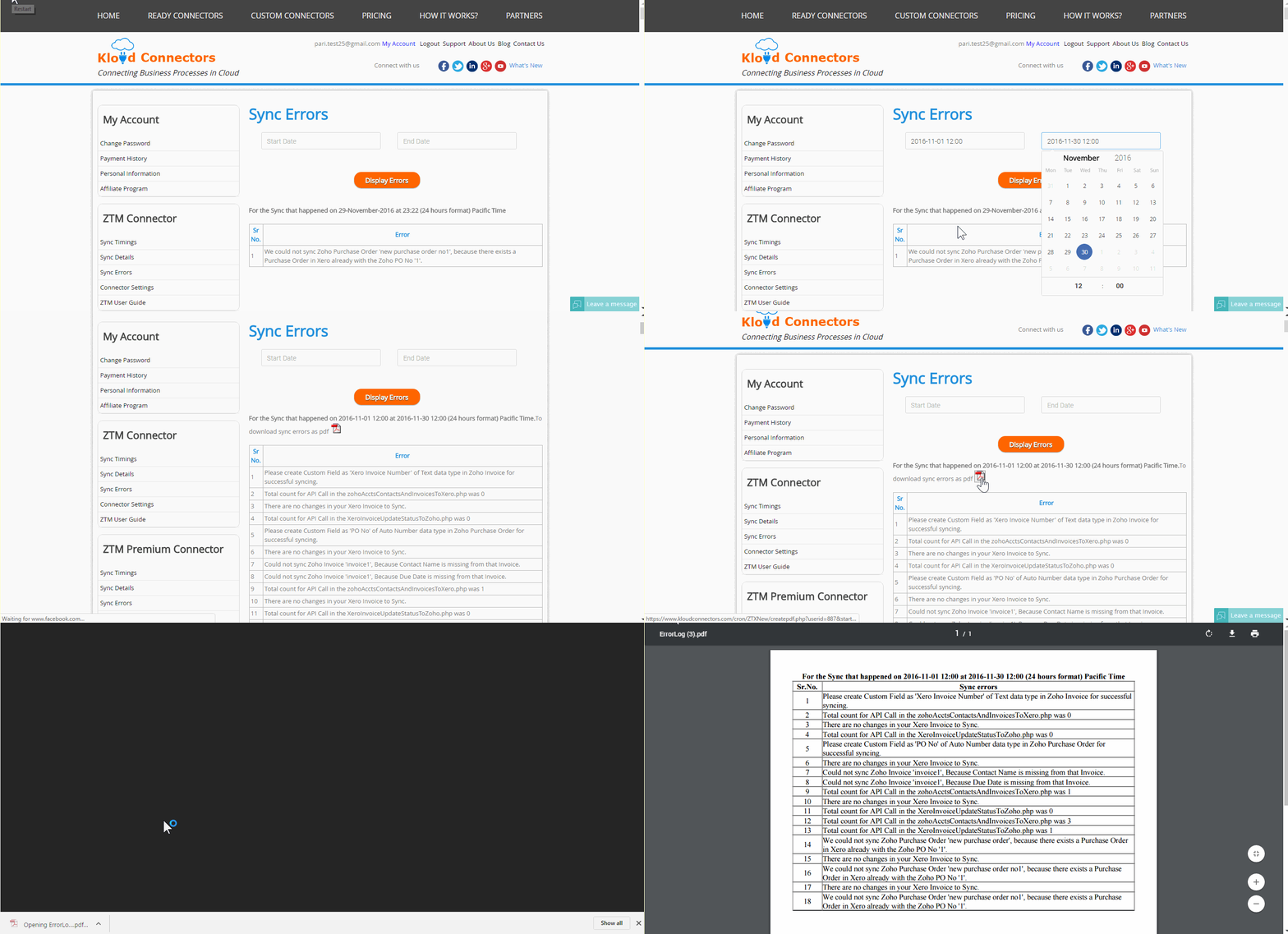
      • Sync error history : We have added a feature which would help customers to find sync errors between two dates for their customers. You can specify dates and we shall give you pdf download with all the sync errors.


    We hope this would improve your experience with Kloud Connectors.

  • How to Migrate to New Pricing Plans of KloudConnectors ?

    How to Migrate to New Pricing Plans of KloudConnectors ?

    faq-on-price-hike-at-kloudconnectors

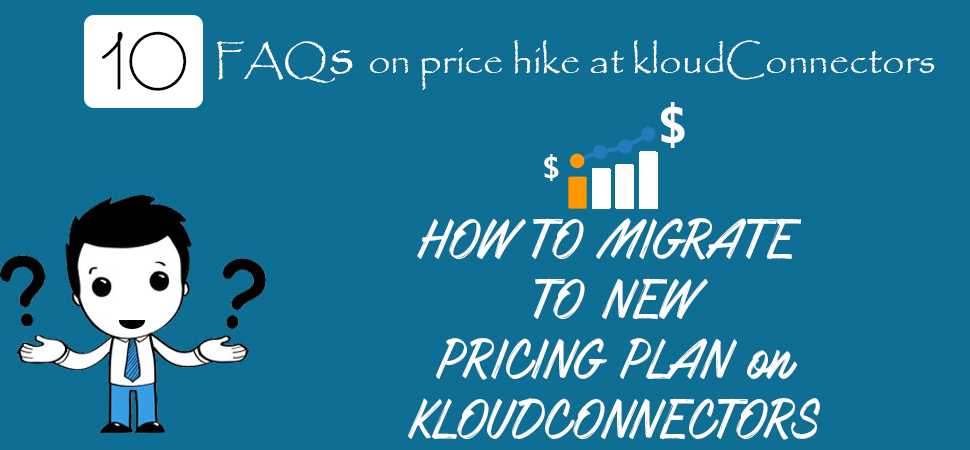
    HOW TO MIGRATE TO NEW PRICING PLANs on KLOUDCONNECTORS.

    Since our last email about price hike, many customers have asked for detailed steps on how to migrate to new pricing plan. So we thought of creating FAQs for migrating to new pricing plan.

    FAQ’s on Price Hike

    1. Why is KloudConnectors increasing the prices now ? It has been kept same for last 4 years.

    For the last four years, KloudConnectors have charged the same  rates for all the connectors in spite of rising office expenses, currency devaluation, server cost and salary increases. We have made every attempt to avoid the increase, but we refuse to compromise on quality. This is our only recourse. Effective November 5, 2016, we have increased the price of connectors across the board.

    1. Who would be affected with this price rise ?

    The changes are applicable to all future and existing customers. This excludes all customers who have bought connector subscription after 5th Nov, as they are already on new pricing plan.

    1. I am using kloudconnectors for several years now, what do I need to do ?

    You would need to follow following process:

    • Login to KloudConnectors
    • Select your connector from the ready connectors page
    • It is a good idea to migrate to new plan on the last day of your monthly subscription renewal. You can find this date from your connector kloudconnectors account and check the order date.
    • Select your plan (Monthly or Annual). Annual plan offers $60 discount over Monthly plan. Since you are using it for few years now, we would strongly recommend you to go for Annual Plan.
    • Buy the connector . We accept only PayPal at this point in time.
    • Once you buy the connector and the email is received, send an email to support@kloudconnectors.com with your new order number
    • Login to your Paypal account and cancel your old subscription with name “SUVICHARTEC”.

    4. Do I need to change anything in set up ?

    No. KloudConnectors will take care of it.

    1. I was on Monthly plan earlier. Can I buy annual plan ? 

    Yes. You can buy annual plan and save $60 per annum. In fact, we would recommend you to do this.

    1. What happens if I decide to cancel after 3 months into annual plan ?Do you offer refund for unused months ?

    No. We don’t offer any refund. Your subscription will expire on your renewal date. Remember, we offer free                 trial period so that customers can be sure that they can use these connectors for their businesses.

    1. Do you have any deadline for existing customers to shift to new plan ?

    Yes. We are requesting all the customers to migrate to new plan by Dec 31st 2016.

    1. What happens if we are not able to migrate to new plans by 31st Dec 2016

    We will try to reach you again and see if we can migrate you to new plan. So you may continue to use                       connector for few more days. After that we shall turn them off and cancel your subscription.

    1. I didn’t renew by 31st Dec 2016 and also couldn’t renew after grace period. My connector is turned off. How to enable it again ?

    You can login to kloudconnectors anytime and buy the subscription again. There is no time limit for this.

    1. I have few more questions, could you tell us how to contact you ?

    You can always reach us on support@kloudconnectors.com or call or chat with us. As usual, we shall resolve       all your queries within 24 hours.