Tag: MailChimp

  • 11 Online Tools Every Entrepreneur Must Use in 2017

    11 Online Tools Every Entrepreneur Must Use in 2017

    11 top business -Online-Tools kloudconnectors

    Top 11 Online Business Tools Every Entrepreneur Must Use in 2017.

    Customer Relationship Management:

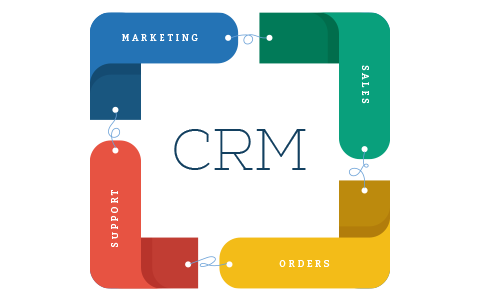
    We believe that this is the single most important tool that every entrepreneur should use. CRM tools basically help with Marketing automation, sales automation, and support automation. There are various tools that we like in this space. These tools are as follows:

    CRM-KloudConnectors

    Email Marketing system:

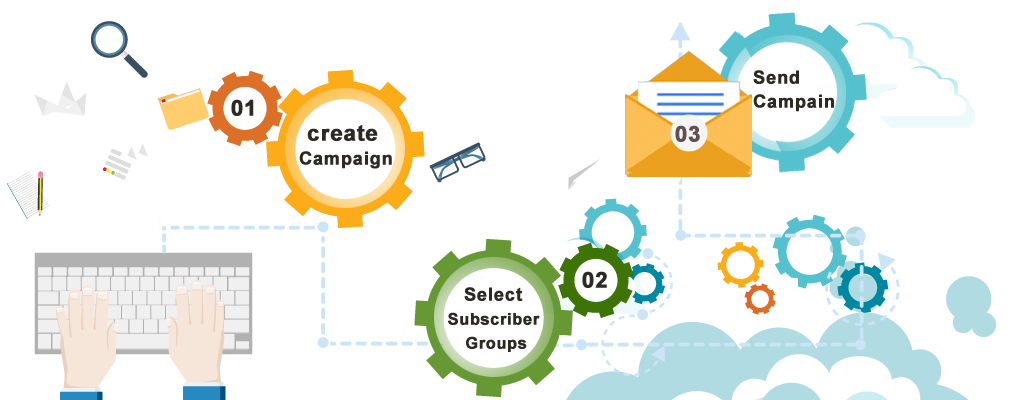
    Email marketing is very important tools for sending out newsletters, campaigns, nurturing your leads etc We strongly recommend MailChimp and constant Contact, Campaign Monitor, iContact, Zoho Campaigns which are leaders in this field.
     

    email-marketing - KloudConnectors

    Project Management suite:

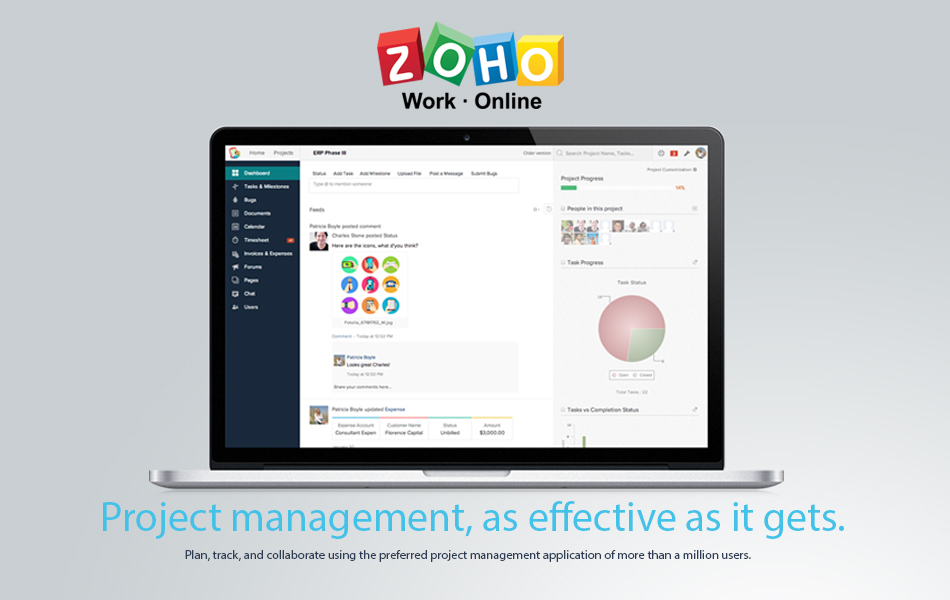
    If you are working on various projects, project management systems help you to track all your projects in a single system. There are various tools that one can use. But we recommend Asana, Trello, Zoho Projects for this.
    zoho

    Online HelpDesk system:

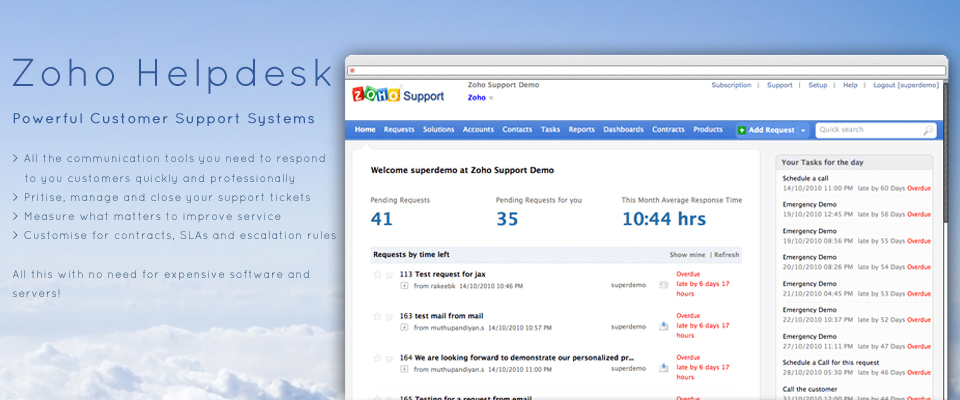
    Customer support is a very important function of the business. There are various online help desk software. We like Zoho Help Desk, FreshDesk, and ZenDesk in this category. We use Zoho Help Desk.
    Zoho Help Desk

    Analytics:

    It is important to know about your website visitors and we recommend none other than Google Analytics in this category. This a free tool and gives you actionable insights into your website visitors.
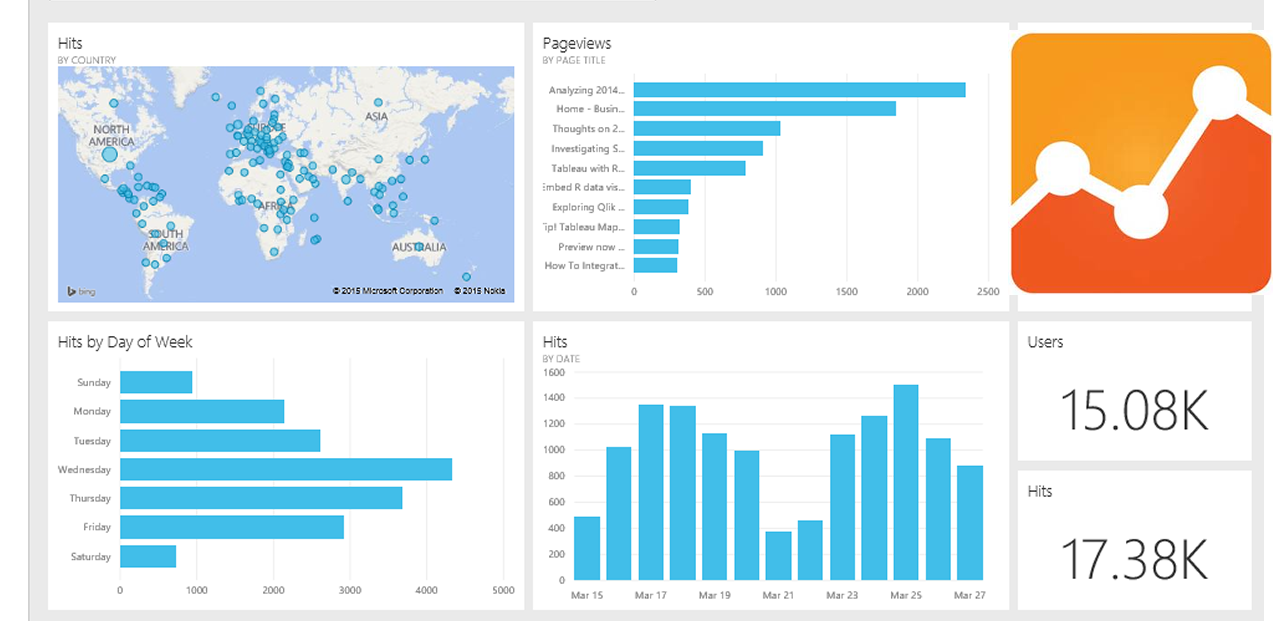
     

    google analytics dashboard

    Social Media Marketing:

    Social Media marketing has become an integral part of the business. Posting on all the accounts can be very cumbersome and tracking them all is even more difficult. One should use tools which help in posting on various platforms and also allow one to track all the conversations in a single window. We like HooteSuite and Bufferly in this space. We use HooteSuite for managing our social media accounts.

     HooteSuite and Bufferly

    Bookkeeping / Accounting software:

    Online accounting is fun and helps you to improve your cash flow. One can create invoices while traveling, book expenses in the real time and keep your accounting system up to date. Also, most of these online Softwares have banks feeds directly getting imported in the system automatically for easy bank reconciliation. This saves tons of time and allows entrepreneurs to do their accounting easily by themselves. We like ZohoBooks, Xero, QuickBooks Online, FreeAgent, Kashflow, FreshBooks in this segment. We recommend and use ZohoBooks.
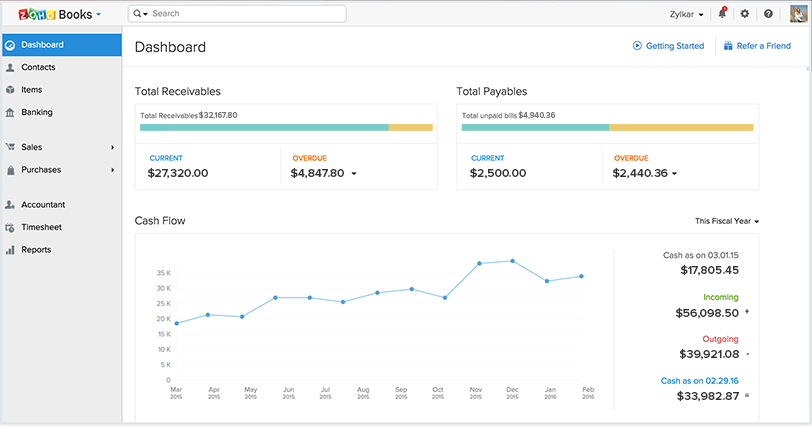

    zoho Books KloudConnectors


    One Way SyncTry Now

    Unlimited Orders(+ Products,Contacts)

    One Way SyncTry Now

    Unlimited Customer and Suppliers

    One Way SyncTry Now

    Unlimited Customer and Suppliers


    Online web chat:

    One can interact with the customer directly when they visit your website. This can lead to better customer satisfaction and also improve your revenue. Getting answers real time through online chat is a great experience for the customer. There are few very popular software in this segment like Zopim ( acquired by ZenDesk), LiveChat, Zoho SalesIq etc. We like Zoho SalesIq as it also integrates well with our CRM system and HelpDesk system. It also gives you real insights about the customers when they visit your website. We recommend ZohoSalesIq.

    Evernote:

    We strongly recommend Evernote. This can be useful for anyone to capture notes during customer visits, meetings. You can take notes during the discussions, meetings and record it on Evernote. Once you are back in the office, you can also sync these notes with your CRM system if you are using connectors for syncing.


    Evernote kloudconnectors


    One Way SyncTry Now

    Unlimited Notes – Unlimited Contacts 

    One Way SyncTry Now

    Unlimited Notes – Unlimited Contacts

    One Way SyncTry Now

    Sync Unlimited Notes and Contacts


    Business Collaboration Suite /Document creators:

    Google Business suite which consists of Gmail, google docs, google hangout is an excellent suite for online collaboration and run your business completely online. We also like Zoho Suite which has Google Doc equivalent Zoho Docs and Zoho Mail. Zoho also has Zoho sites like Google sites. We recommend Google Suite and Zoho Docs.
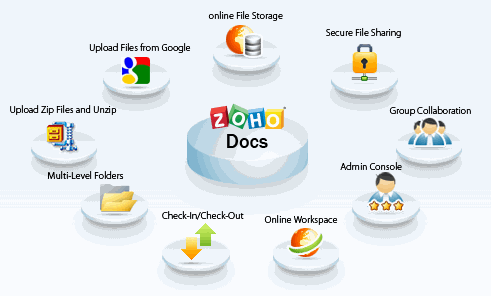
    Zoho Docs KloudConnectors

    Integration Tool – KLOUDCONNECTORS

    There are many cloud integration tools which help you to attain the highest level of productivity. These cloud integration platforms integrate and sync your data across these cloud systems. Although there are lots of choices, we would strongly recommend KloudConnectors as they not only sync data but also integrate your business processes in different clouds. Eg. If you create an invoice through CRM system, it automatically creates that invoice in the accounting system and also when the invoice is marked as paid, it marks that invoice as paid in your CRM system. There is also a blog written on the differences between KloudConnectors and other integration tool called Zapier.

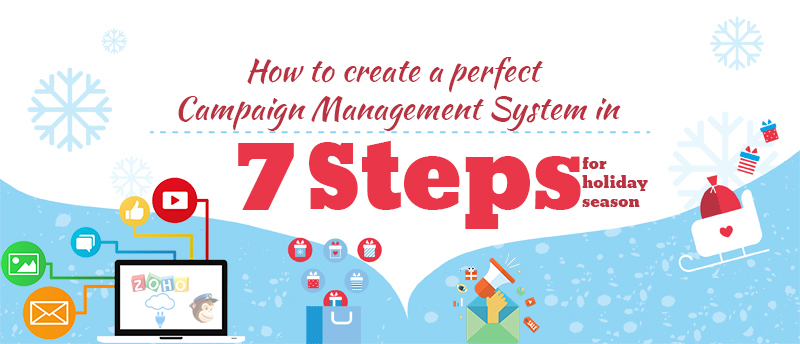
  • How to create a perfect campaign management system in 7 steps for Holiday season?

    How to create a perfect campaign management system in 7 steps for Holiday season?

    Campaign Management system using Zoho CRM, MailChimp and KloudConnectors

    Holiday season is round the corner. Entrepreneurs can create a perfect Campaign Management system using Zoho CRM, MailChimp and KloudConnectors in 7 steps without breaking their bank .

    Step I – Sign up for Zoho CRM :

    Zoho CRM is one of the leading and value for money cloud based Customer Relationship Management system. They have different editions. Every edition has different features and price points. They have free , standard ( $12/month/person), Professional , Enterprise, CRM Plus and Ultimate editions. For creating campaign management system, we recommend you to sign up for at least standard plan. Free plan will work as well. Upload your leads and contact to respective modules in Zoho CRM. If you haven’t signed up Zoho CRM yet then you can easily sign up here.

    zoho-sign-in

    Step II – Sign Up for MailChimp :

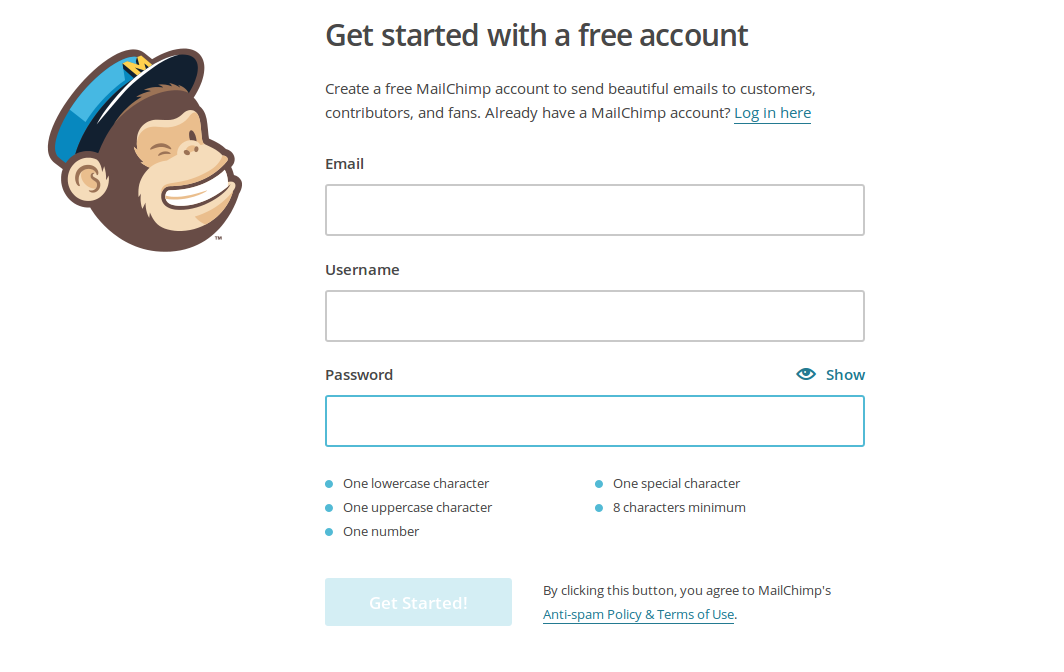
    MailChimp is probably the best email marketing system. MailChimp has a free plan which allows you to send 12000 emails and offers 2000 free subscribers. If you want to send more emails or want to have more subscribers, you can sign up for higher paid plans.

    mailchimp_signup_screenshot

    Step III – Sign up for KloudConnectors :

    KloudConnectors is a cloud integration platform which connects several popular saas systems. KloudConnectors has more than 55 ready connectors which integrates systems like Zoho CRM and MailChimp. KloudConnectors can integrate several other crm systems and also email marketing systems. It also has several connectors to connect your online stores ( Shopify, BigCommerce, WooCommerce, Magento, 1Shopping cart etc). Zoho and MailChimp connector ( Link) is available for a small sum of $19.99 for a month or at a discounted annual price of $179 per annum. Sign up for any of these subscription. KloudConnectors uses PayPal as a payment gateway so you are always in control of your subscription.

    ztm

     monthly plan annual plan


    Step IV – Plan your campaign :

    Create your email template in MailChimp. You can use standard template in MailChimp or design your own template using simple to use designer. Also create a MailChimp list where you want KloudConnectors to sync your leads or contacts.


    kc_list_image

    Step V – Set up your connector in KloudConnectors :

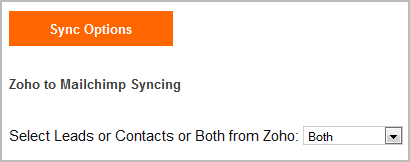
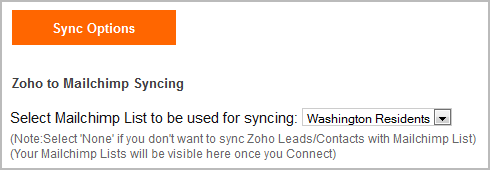
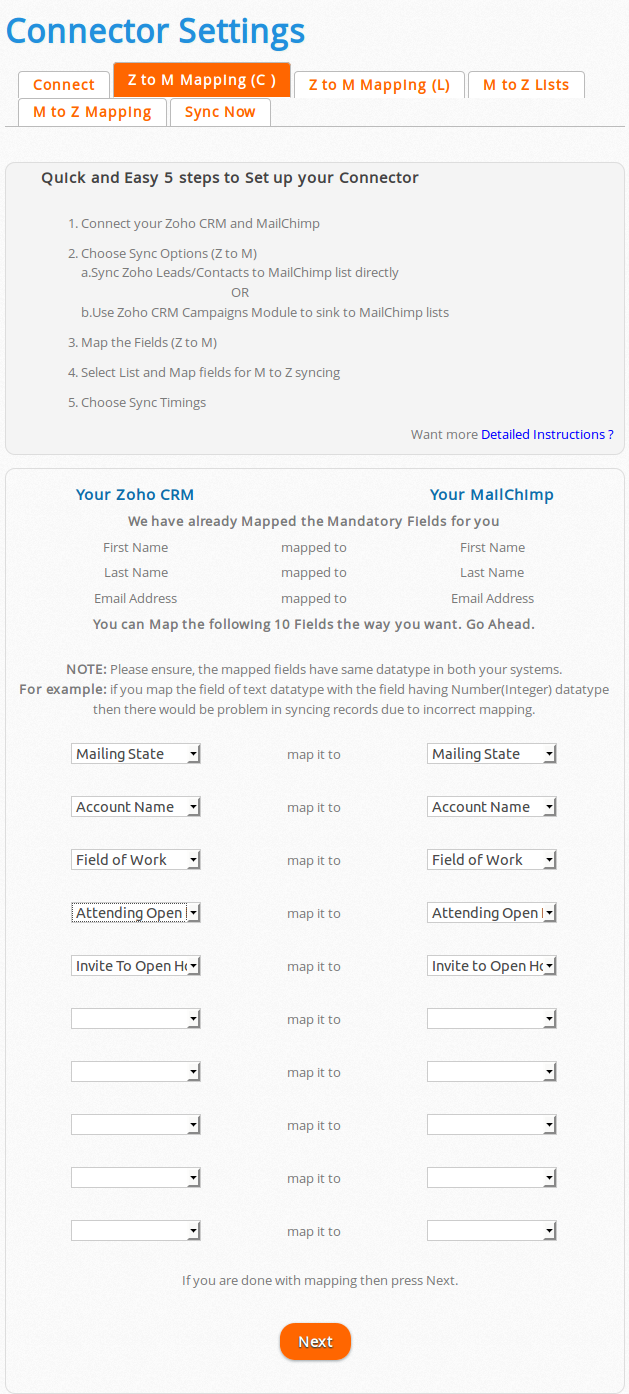
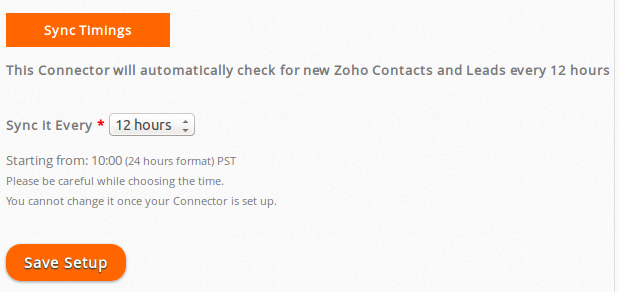
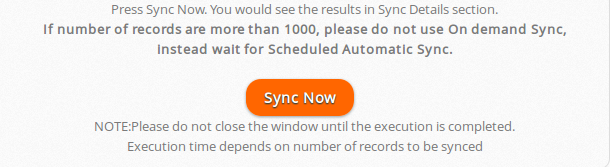
    You would need to follow instructions given in the User Guide of your connector on kloudconnector’s site and set up your connector. It is very easy to set up if you follow the instructions. It takes about 3 minutes to set up your connector. You can decide to sync your   Leads/Contacts or Zoho CRM campaign to MailChimp list. You can also map the fields from your Lead/Contacts modules with MailChimp list. KloudConnectors sync your data every 12 hours or on demand. If you want to sync immediately, just press sync now and your data would be synced with MailChimp.

    kc_setup

    select_lead_contact_zoho select_mailchimp_washington_list

    map_fields

    cron_setup

    sync_now

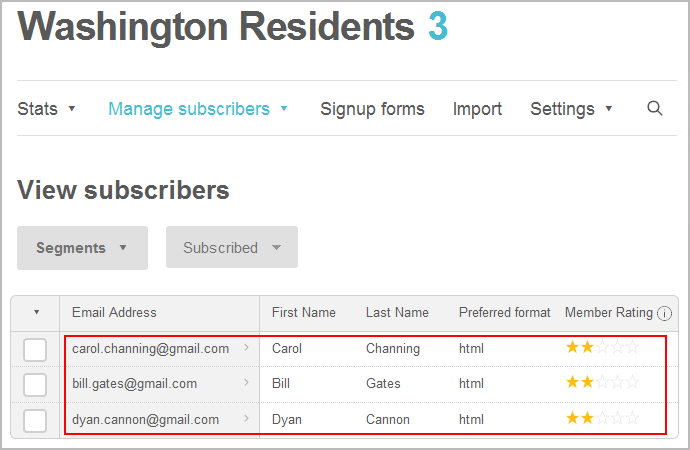
    list_subscribers_in_mailchimp

    Step VI – Create a campaign in MailChimp using the list ( or segment in the list ) and the template created in earlier steps.

    Step VII – Send or schedule your campaign in MailChimp

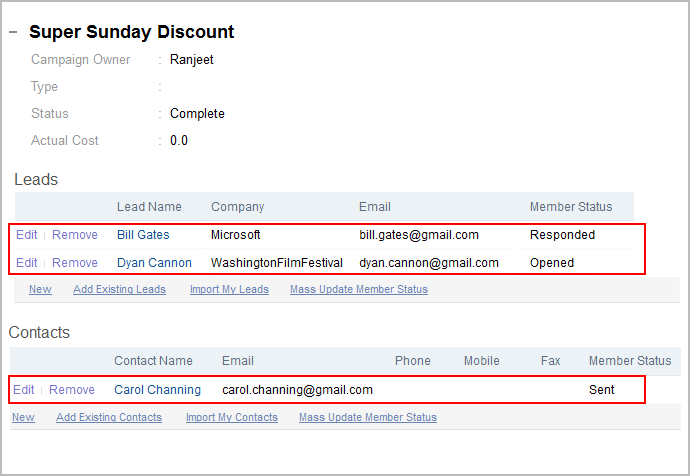
    If you want to see the campaign results like open , bounced etc in Zoho CRM for your leads/contacts then select the checkbox for syncing campaign statistics check box in KloudConnector set up.

    sync_statistics

    details_campaign_in_zoho

    KloudConnectors also offers Constant Contact, Campaign Monitor and iContact Connectors for Zoho CRM. You can follow the same process for creating solid campaign management system using these software. Good luck !

  • Kashoo users : MailChimp add-on is here!!!


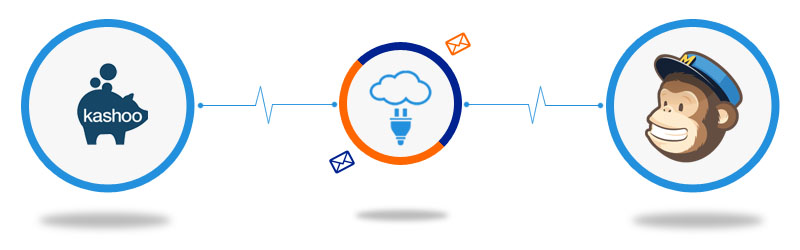
    Kloud Connectors is happy to announce the addition of one more Connector to our family, KTM (Kashoo To MailChimp ) Connector. Now, even Accounting guys can easily send beautiful emails to their customers using MailChimp!

    Kashoo to Mailchimp Connector

    This one way connector is designed to follow the business process within companies. It gives you option to choose whether you would like to sync customers or vendors or both to MailChimp. It also gives you flexibility of choosing which MailChimp lists each should go. Using custom fields mapping, you can also ensure that any changes in names, phone numbers, address is correctly reflected in both your Clouds, Accounting cloud as well as Email cloud.


    This integration between Kashoo and MailChimp by Kloud Connectors gives you a facility to schedule the syncs. This way, you don’t have to remember to sync them, the changes will get synced automatically everyday at a time of your choice. The dashboard of your Kloud Connectors account will show you Sync Details as well as Sync Errors if any, so that you can take corrective actions right there. Giving Such transparency in syncs, such control over data to all the users is a hallmark of Kloud Connectors. And for this connector as well, we have provided all these facilities to give a consistent experience to all our users.


    15 days Free Trial is available for KTM


    Connector so that you can see it in action before clicking the buy button. The price of monthly subscription, where there is no limit on number of records imposed by us, starts from US$ 5. For such a small amount, what you get is a hassle free working with both the Clouds that you love, Kashoo and MailChimp.


    If you are a Kashoo User and MailChimp fan, why don’t you give it a try ? Trial is Free.
    And it works with all the editions, including the free ones!