Category: Business tips

  • Top 6 CRM Apps

    Top 6 CRM Apps

    Top-6-best-CRM-apps
    Top-6-best-CRM-apps

    CRM Software helps companies to manage customer data and employee relationship. Small Business looking for CRM Apps to handle their increasing list of clients. As businesses grow to keep accurate records of customer you will need central customer relationship management software.

    We have created lists of top 6 CRM apps and their features, to help small business.

    Sr. No.

    CRM Software

    Free Users

    Cloud-based

    Free Storage

    Free Contacts

    1

    Zoho CRM

    10

    Yes

    1GB

    Unlimited

    2

    Nimble CRM

    1

    No

    2GB

    3

    Insightly

    2

    Yes

    200Mb

    2500

    4

    Salesforce CRM

    1

    Yes

    2GB

    5

    Highrise

    2

    No

    2GB

    250

    6

    Sugar CRM

    1

    Yes

    5GB


    1) Zoho CRM :

    Zoho CRM is a great option for a small startup business. It provides detailed reporting features. The free edition of Zoho CRM is for 10 users. It also comes with the mobile app. Their first step upgrade for 10,000 records is only $12/user/month. Zoho CRM is user-friendly, cost-effective, easy to use and data can easily be uploaded from Excel sheets. It gives you full customization and provides flexible functionality for small businesses.

    You can extend the CRM functionality by integrating with popular application QuickBooks, Google Apps, Constant Contact; as well as cloud-based connectors like Kloud Connectors.

    https://www.kloudconnectors.com/zohocrmconnectors

    2) Nimble CRM:

    If your business depends on social media marketing then this CRM is best for your business. Nimble is simple platform use for getting information from social media channels, i.e Facebook, Twitter, and Linkedin. It automatically links features to business contacts. Nimble easily imports basic Contact information from Facebook, Linkedin, Google+, email, and phone. Integration is one of the things that makes Nimble more attractive.

    Nimble helps you follow the leads with the highest chance of conversion. It ties together various departments with a single data source. CRM allows quick access to real-time sales. It creates reports instantly.

    https://www.kloudconnectors.com/nimbleconnectors

    3) Insightly CRM:

    One of the best free CRM software provides end to end service. It’s designed for small business owners. Insightly free software up to 2 users, 2500 contacts and 200Mb free storage. But for advanced plan, you need to upgrade plan from $29/user/month.

    Insightly Benefits:

    • It integrates easily.
    • It’s easy to use.
    • You can easily go social.
    • You can get training.

    https://www.kloudconnectors.com/insightlyconnectors

    4) Salesforce CRM:

    Salesforce is all-in-one cloud-based CRM Software. This software is associated with larger businesses. Salesforce CRM Platform is easy to use and includes key features like contact, sales, workflow management, lead generation and much more. Paid Plan for the salesforce is starting at $25 per month per user. It will accelerate productivity. You can get more leads.

    https://www.kloudconnectors.com/salesforceconnectors

    5) Highrise CRM:

    Highrise focus on helping you manage three key areas of business: Communication, task, and contacts. You can create a task and set reminders, and keep track of emails. It also tracks your leads and deals. The Highrise account is safe, secure and password protected. It offers 30 days free trial plans on all accounts. There three main plans basic, Plus, Premium and solo plan.

    https://www.kloudconnectors.com/highriseconnectors

    6) Sugar CRM:

    The Best CRM Software list is not complete without SugarCRM. Because it is one of the most experienced Software. This CRM is friendly to all sized businesses. This is an open sourced system for the developers. So you can add functionality according to your business needs. SugarCRM comes with three paid plans starting at $40/user/month. It gives unlimited online support.

    https://www.kloudconnectors.com/sugarcrmconnectors

  • Things you must know if you use WooCommerce Plugin

    Things you must know if you use WooCommerce Plugin

    WooCommerce

    WooCommerce Overview

    WooCommerce is a great plugin for running a web store on WordPress, however, it is not just a web store, it is quite a versatile plugin that can be used for a variety of other purposes. You can select any WordPress theme for your e-commerce store and work with WooCommerce Plugin to bring your online store into existence. 

    WooCommerce is one of the most simple, popular & yet powerful eCommerce system. The credit goes to its versatile payment system and host of compatible plugins. Many ideas that you think are impossible with other eCommerce platforms, you can do it smoothly with WooCommerce. 

    Let’s understand a bit more about WooCommerce.

    • WooCommerce Plugin Helps You With Social Media & SEO

    There are several good third-party plugins that help you with SEO of your site. You can effectively manage, analyze and tweak all your SEO efforts to get better results. You could also use dedicated WooCommerce plugins like Yoast WooCommerce SEO which help you on social networking sites like Pinterest, Twitter, and Facebook and help you with the backend too.

    •  Auctions

    This plugin allows you to run one or more auctions for your products, including bid history and countdown timer. After a winning bid is decided, the bidder can pay for their article right away, of course, all managed by WooCommerce. There’s even a ‘My Auctions’ section so bidders can keep track.

    • Pre-update extension version checks

    Before minor and major updates, It will check these versions and display either an inline warning or modal window warning (for major updates) to advise the user.

    With this feature, a user will easily know the status of your current theme with the new versions of WooCommerce.

    •  WooCommerce Provides You With Great Analytics

    WooCommerce has its own inbuilt analytics. It provides you with neat data and pie graphs. You can get data on daily sales, individual customer statistics, average order totals and more. It is easy for you to know how your website is performing on day to day basis.

    You can, however, integrate other analytical solutions to your WooCommerce site. You can add Google analytics. You can get more from it if you add WooCommerce Google Analytics Pro extension. You can use other tools like Kissmetrics, Mixpanel, and Hotjar too.

    •  WooCommerce API

    Woocommerce comes with a very extensive APIs. Any experienced WordPress developer can use the WooCommerce hooks and actions to create plugins, extensions, and themes. WooCommerce is in itself a mini-economy enabling developer to an work solely on developing Woo based products.

    • It plays well with other systems through KloudConnectors
    • KloudConnectors is a cloud integration platform. It integrates various saas applications. WooCommerce plugin connects seamlessly with Zoho CRM, Zoho Inventory & Zoho Books through KloudConnectors. You can find more information about these connectors here. 
    • Out of the Box Functionality

    You can begin selling immediately without making any major changes to WooCommerce settings. The plugins works as expected with minimal setup and minimal changes to the default settings. This makes it easy to test WooCommerce with your web theme.

    There is minimal work to do to get WooCommerce working with any theme. You simply need to

    a) Declare WooCommerce support in your functions.php file

    b) Add a WooCommerce.php file in your theme. This file can simply be a copy of page.php with this code replacing the WordPress loop:

    For more about theme, integration see https://docs.woothemes.com/document/third-party-custom-theme-compatibility/

  • 10 Things Entrepreneurs Must Do Before 2018

    10 Things Entrepreneurs Must Do Before 2018

    10-Things-Entrepreneurs-Must-Do-Before-2018

    I just realized that we are already in the third week of December. The new year is just a few days away. OMG! In next few days, all of us would have a lot of downtime and hence we can spend some time to do business planning for the next year. The following article discusses 10 things you must do before 2018.

    1) Take a break: You have worked pretty hard for the entire year. As we all know, owning a small business is not easy. This is the time when you should take a break, visit new places and rejuvenate yourself. Remember, you don’t want to approach New Year with fatigue and being tired. Spend time with your family and the loved ones. You need their support in the new year. This is a well-deserved break.

    2) Review Company Spending/Expenses: It is a good idea to look at the company’s spending pattern in the financial year. Is there any way that we can optimize our expenses? Can we have a look at some of the supplier/vendor contracts & see if they really delivered value? Every business can save money if they control their unwanted spends. In some countries, we have many consultants who look after compliance issues. After few years of associations, they become reckless in their charges and try to extract more than agreed. So this is the time when you can look at optimizing your spend. Remember money saved is money earned.

    3) Review and set sales goals: Review your financials and find out which services did well, which campaigns were more successful and why. The insights will give you better ideas on which services to focus on, in the New Year. One can also see emerging trends and offer new services/products in the New Year. You can decide on monthly, quarterly and annual sales target for the year during this period.

    4) Get all your employees on board: It is always said that any company is as good as their employees. Building a business is a teamwork. Get your team onboard for achieving targets for the next year. Plan an outing and share your vision for the company. Get them motivated, you alone cannot achieve the goals.

    5) Take a look at your sales systems: Have a critical look at your existing sales systems. A good cloud-based system can help you achieve your goals much faster than a normal excel sheet that many of us use. Take a look at some of the cloud-based Customer Relationship Management Systems. They are very light on the pocket and offer great ROI. Have a look at your lead generation process as well. Introduce email marketing in your sales process. Equip your sales team with the right tools.

    6) Update your pricing, sales collaterals & website: One bad news…Your expenses are going to increase in the next year. How do you take care of these expenses? Have a look at the pricing of your products/services. When was the last time that you updated your prices? Take a rational approach by looking at your customer segment and decide on the price increase. Also, have a look at sales collaterals and keep them current. The website is your first impression of the client. The nicely done responsive website says a lot of about the company. Get it mobile friendly if not already done.

    7) Add new sales channels: As a business owner, one should always try to increase the sales funnel. Can we add new sales channel? Can we look at partnering with few companies/individuals ? Can we expand geographically? Can we go overseas? Think and add atleast one new sales channel in the new year.

    8) Marketing calendar / Social media: Make a plan for social media. Decide on the platform, which you want to be on. Post consistently and keep your posts relevant, interesting. Make sure that you have calendar for these posts.

    9) Work with your accountant: Make sure that you meet your accountant and try to get his insights from your data. You can also plan your corporate and individual taxes with him.

    10) Appreciation for the team & customers: Appreciate and thank your team and customers. These are the people who are making your vision transform into a reality. Let them know how much you appreciate their contribution. Saying a simple thank you would make them feel good.

  • Integrate Zoho CRM With Top  ECommerce  Platforms

    Integrate Zoho CRM With Top ECommerce Platforms

    Integrate-Zoho-CRM-With-Top-ECommerce-Platforms

    Zoho CRM is an award-winning web-based CRM designed to attract, retain, and satisfy customers to grow your business. Zoho CRM can automate daily business activities, track sales, and engage customers in different platforms. Likewise, its mobile platform lets you take CRM on location so you can get updates fast and real-time, and close more deals even when on the go. More than 8 million users work online with Zoho, and several of these individuals utilize eCommerce systems. Zoho customers are extremely happy using Zoho systems to improve their productivity and customer satisfaction. But most of them can gain a lot if they implement eCommerce systems with CRM systems properly. 

    Zoho CRM is just one of the many services Zoho offers. By using Zoho CRM, you also have access to the entire Zoho suite of productivity tools. Zoho’s business solutions include project management app called Zoho Projects, email marketing solution called Zoho Campaigns, accounting software called Zoho Books, collaboration tool called Meeting, and many more.

    The biggest advantage of this is that Zoho CRM integrates seamlessly with other Zoho products, so you can automatically sync CRM-related data between solutions and efficiently manage your business from a single platform. Zoho CRM is also integrated with popular eCommerce platforms seamlessly through KloudConnectors. 

    These days, 61% of people prefer to shop online rather than going to stores. Currently, there are wide range of  platforms for independent businesses to sell their products online.Most e-commerce platforms today offer a variety of features that’ll help you optimize your e-commerce store.

    Here is a list of the top ECommerce Online Platforms which you can integrate with Zoho CRM.

    1) WooCommerce

    WooCommerce is the best free eCommerce plugin built for WordPress. Every day, thousands of aspiring business owners using WordPress & WooCommerce to fulfill their dream & reach a new height.
    Once you have WooCommerce working with your website, an extra range of WooCommerce extensions are available to you. These extensions are like plugins for WooCommerce. They let your online store do more things. They can also let your store work with other programs, like your accounting program and your email marketing program.

    Kloud Connectors provides an integration with Zoho CRM which helps WooCommerce user to sync their data like sales orders, products & contacts into Zoho CRM.Using KlouConnnectors you can choose to sync Woocommerce orders based on their status to Zoho CRM. 

    Start a free trial today Integrate WooCommerce to Zoho CRM

    2) Magento

    It is used by massive retailers like Samsung and Nespresso, as well as countless small e-commerce operators, so it’s a serious contender for any business thinking of making a move into online retail. It is e-commerce platform, and currently the most popular such solution in existence. It’s estimated that Magento is used on 20 percent of all e-commerce sites online.
     

    Magento offers different types of solutions to fit your business. For many small businesses, Magento Open Source is a great way to get started. This free version of Magento is fully supported by a community of Magento users who can help you modify the software for your business. You can also host this open-source software on your own server, giving you more choices to fit your web-hosting budget and control your back-end processes.

    If you are looking for an integration between Magento to Zoho CRM then KloudConnectors is the best solution for you.  You can sync unlimited Magento sales orders related customer, products to Zoho CRM. You can track your sales with Sales forecast and Actual sales in the same system with tight Integration between 2 Clouds. 

    Start a free trial today

    3) Shopify

    Shopify was founded in 2006 by Tobias Lütke (CEO of the Year in Canada), Scott Lake and Daniel Weinand. Since the launch, the platform has quickly grown from a small player to one of ) leading E-Commerce solutions. The company is currently powering more than 220,000 + online retailers.
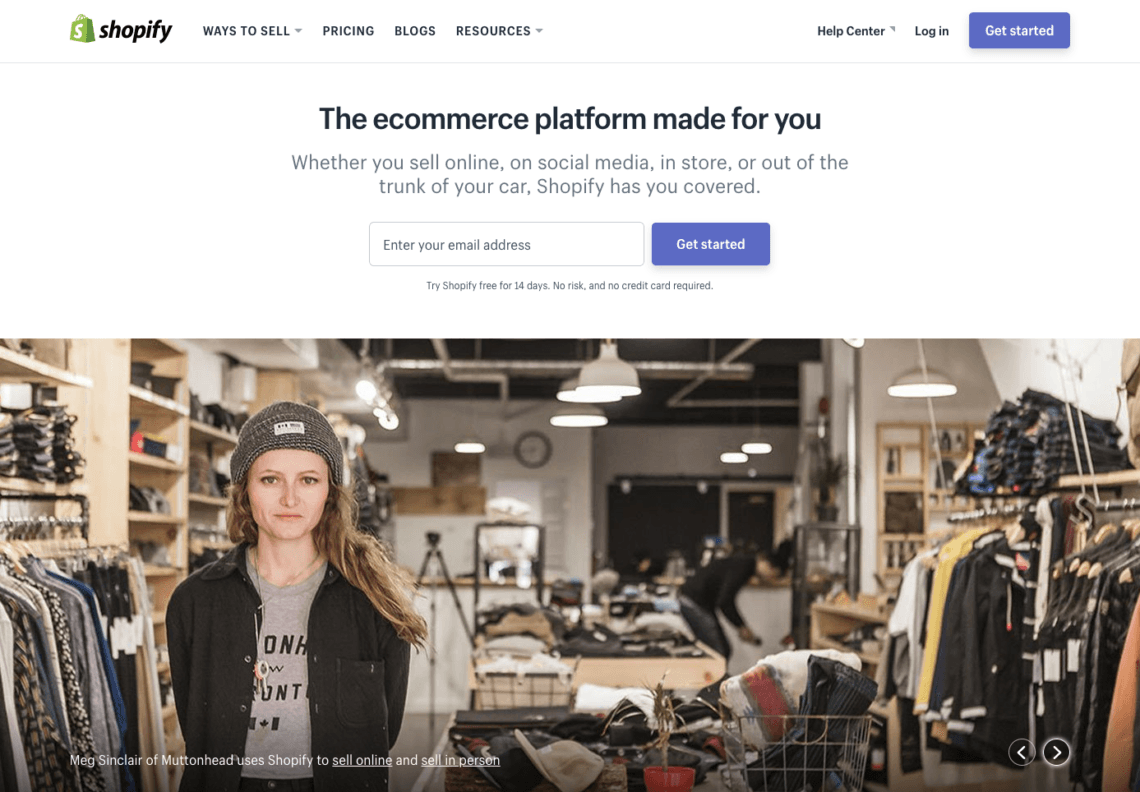
    The reason we like Shopify so much is that it’s not like WordPress or Magento, (which are great as well,) but you need some sort of development knowledge to keep your site running smoothly. On the other hand, it’s not like some of the more simplified solutions like WIX and Weebly, where you’re going to have a tough time scaling up.

    Basically, Shopify makes it easy for people who know nothing about programming, coding and web development to startup and run their own online store. They do this so entrepreneurs can focus on the building the aspects of their business they excel at without having to worry too much about the technical stuff. With KloudConnectors you can sync in orders , order related products and customers from Shopify to Zoho CRM.

    Start a Free Trial Today

    4) BigCommerce :

    BigCommerce is a go-to platform for all things in eCommerce. BigCommerce is easy to set up and gets your store up and running as soon as possible. It also has substantial customization options for those looking to dig deeper. Its interface is easy to navigate, and it includes the best SEO configurations of all the major platforms.
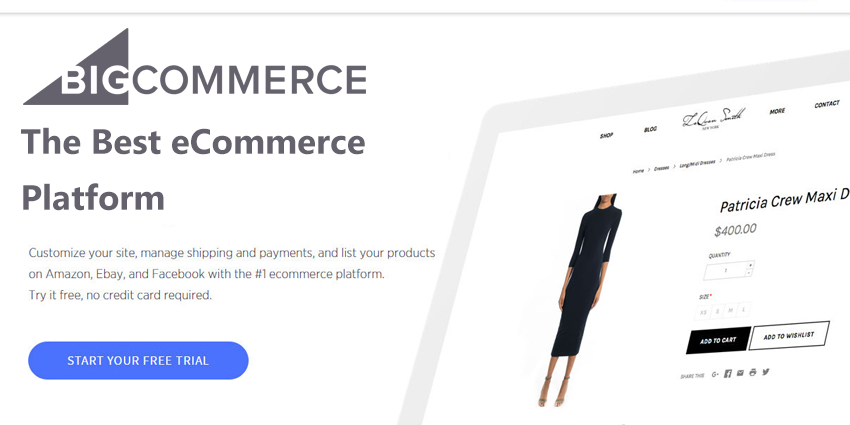
    BigCommerce

    This also has necessary eCommerce features like gift cards, reviews & ratings, as well as basic marketing tools to give your store a unique look and feel.

    With KloudConnectors you can make customer information directly and automatically available to your Sales team through Zoho CRM, making their tasks easier. Get your popular Products autoMagically from your BigCommerce to Zoho CRM, to ensure your sales team is on the same page with the rest. Schedule the Set up once and Enjoy the benefits every single day.Sync Unlimited Orders, Contacts, and Products.

    Start a Free Trial Today

    Integrate Zoho CRM with BigCommerce

    5) Prestashop

    Prestashop is very popular due to it’s ease of usage. Starting with basic features, you can add popovers for customers to see your product options and browse through them quickly.

    It is easy to both install and customize the software, and everything is very intuitive. How much work you’ll put into creating a store using PrestaShop is up to you: you can either download a fully-hosted or self-hosted version so you can determine your own level of technical control (both are free).
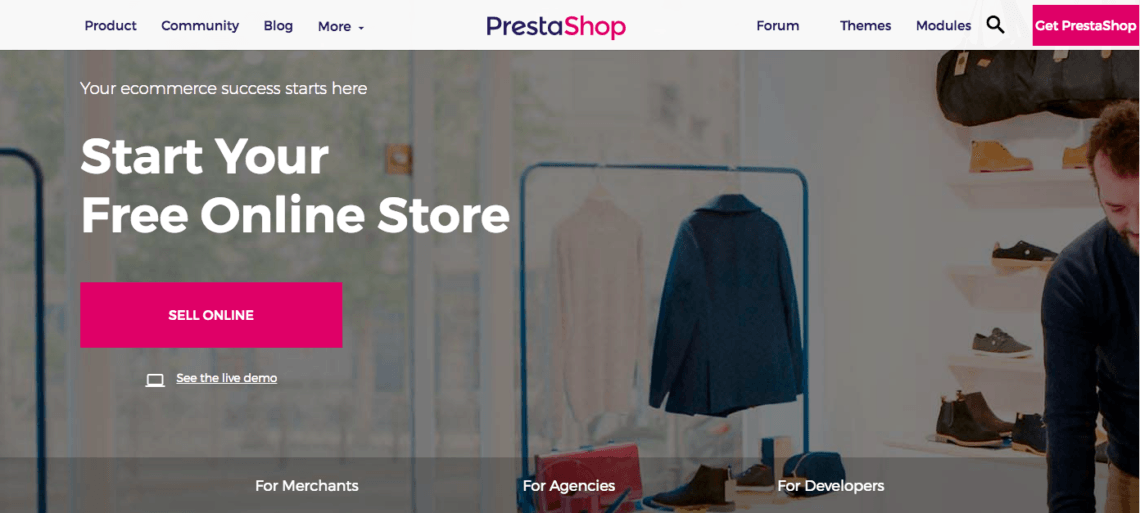
    Another great feature of the platform is that you can run multiple stores at ones by only using one account to manage them. You can also buy additional themes and templates along with customer support services to help you get the largest conversion rates possible.

    Using KloudConnectors you can Sync Orders (+related Products, Customers) from your Prestashop into Zoho CRM autoMagically. Using KloudConnectors, Set up once and Enjoy the benefits every single day. It can sync all your Products in Zoho CRM. It can sync all your Contacts in Zoho CRM. It can sync all your Orders along with the related Contacts and Products in Zoho CRM.

    Start a Free Trial Today

    Integrate Prestashop to Zoho CRM

    6) X-Cart

    Open source eCommerce platforms like X-Cart is mainly using for flexibility and SEO friendly nature. It comes with several SEO compatible inbuild features which are one of the key requirement for any webshop owners as having traffic means everything for online business. X-Cart is based on PHP Smarty templates and hence it is quite flexible in terms of customization and implementation.
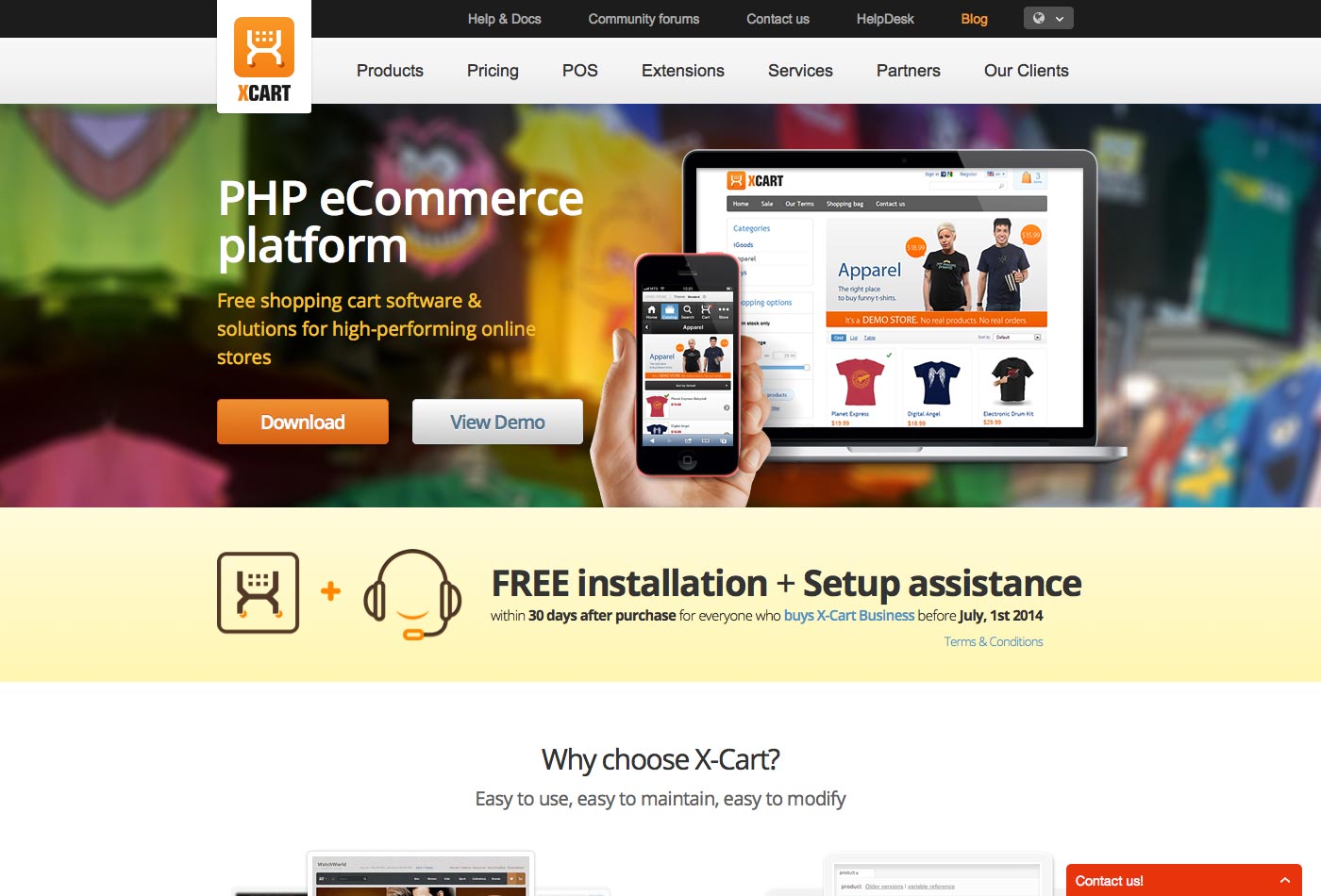
    xcart

    X-Cart is based in Russia, and is better known as a faster solution to grow with for small and medium-sized businesses.X-Cart gives wide opportunities for your business allowing you to sell any type of products (digital or physical goods, services or rentals) through various channels (eBay, Amazon, Facebook). It’s mobile ready and SEO-friendly and offers a robust bi-directional integration with WordPress.

    Through KloudConnectors you can sync all your Sales Orders along with the related customers and products to Zoho CRM. Sync Orders (+related Products, Customers) from your XCart into Zoho CRM autoMagically.

     Start a Free trial today 

     

  • Top 7 Online E-Commerce platforms

    Top 7 Online E-Commerce platforms

    Online-Ecommerce-Platform-for-your-business

    Thinking of joining eCommerce bandwagon?

    In last few years, Online e-commerce platforms have really delivered on its potential. These days there are lots of e-commerce stores across the globe. There are generic stores which sell items in almost all the categories. E.g. Amazon, eBay, Flipkart. Some of them are extremely industry vertical centric and they offer products in only certain categories. BigCommrce, WooCommerce, Magento, Shopify, Prestashop, and Zoey these are some popular CMS Platform.

    These days, no one buys anything unless he does his research on internet and checks out prices & reviews of the products. Every year more and more people use internet for buying their stuff. 

    It makes sense in looking at this promising business opportunity. But usually, most of them don’t know where to start. Following article introduces few of the popular eCommerce systems.

    You have two options for making e-Commerce Website

    1. Hosted eCommerce:

    This platform is not based on open source. E-Commerce website is based on Software as service (SaaS). Eg Shopify, WooCommerce etc

    1. Self Hosted:

    This platform is based on open source.

    Here are top 7 E-Commerce platforms for your online store

    BigCommerce:

    BigCommerce is not self Hosted. It is cloud-based, user-friendly software. So you will not need design knowledge for building website. It handles everything from integration, payments, products, shipping, checkout, and coupons etc. BigCommerce is one of the leading hosted eCommerce platforms. Lately, they are in a lot of discussions because of their pricing policy. We hope true sense will prevail.

    BigCommerce is integrated with Zoho Inventory, Zoho Books, Zoho CRM, QuickBooks Online through KloudConnectors

    WooCommerce:

    WooCommerce is a wordpress plug-in used to develop an e-commerce website on wordpress platform. This is user-friendly and cost-effective software. Easy to setup and integrate with emailing platform such as MailChimp. WooCommerce has excellent support from plug-in developers and one would find 1000s of plug-ins. WooCommerce is integrated with Zoho Inventory, Zoho Books, Zoho CRM, QuickBooks Online through KloudConnectors

    Magento:

    Magento is the most popular and one of the best e-commerce CMS used today. It is open source and comes with the free community edition. It has a large number of extensions and plug-ins available. This is more SEO friendly than other platforms. Magento is easy to use and manage. Magento is integrated with QuickBooks OnlineZoho Inventory, Zoho Books, Zoho CRM, Xero through KloudConnectors.

    Shopify:

    Shopify is the best e-commerce platform for small and medium-size businesses. This platform is flexible and easy to use. Near about 1500 add-ons or third party apps are available to extend the functionality. It has 24*7 customer support.

    Shopify is integrated with Zoho CRM, Xero, QuickBooks Online through KloudConnectors.

    PrestaShop:

    PrestaShop is open source e-commerce CMS Platform for managing your online store. It’s easy to install and can be customized with little development experience.

    PrestaShop comes with 275 features including SEO, product management, reporting, marketing, and checkouts etc.

    You can integrate PrestaShop with Zoho CRM, Zoho Books, Zoho Inventory, XERO through KloudConnectors 

    X-Cart:

    X-Cart is one of the most exciting open source eCommerce platform. It developed using PHP. So it is developer friendly. It boasts 55 highly converting eCommerce themes and 5 free color ideas. It also has intuitive drag and drop interface to the design. One can also have multiple storefronts. X-cart is marketing and SEO friendly and has 24/7 support. If you are looking for an eCommerce system with great features, X-Cart is a system that you should go for.

    Integrate X-Cart with XERO, Zoho CRM, Zoho Books, Zoho Inventory, QuickBooks Online through KloudConnectors.

    Zoey:

    Zoey is a fork of Magento. It has all the great feature of Magento + Hosted storefront + Awesome service. Unlike Magento this commercial offering with lots of new additions to Magento platform. They also have great partner network who can help you with the store design & implementation. If you love Magento but don’t have time and expertise to work with Magento, this is the eCommerce system for you. Zoey is integrated with Zoho Inventory, Xero, Zoho CRM, Zoho Books, QuickBooks Online through KloudConnectors.

  • Top 10 Free Graphics Design Tools for Social Media

    Top 10 Free Graphics Design Tools for Social Media

    Top 10 Free Graphics Design Tools for Social Media

    Graphics in your social media posts strongly affect individuals. They might be the absolute most vital natural SEO methodology available to you! Visual tools enable you to make delightful pictures that market your services and products. You may feel that best Graphics Design tools are out of your Budget. You are wrong! We share Top 10 Free Graphics Design Tools for Social Media you can use this for creating images to digitally market your business.

    Top 10 Free Graphics Design Tools for Social Media

    Social Media Posts with Good Pictures has Higher Engagement and Click through Rates. People remember 80% of what they saw and 20% what they have read. Content with relevant images gives 95% more views than content without images.

    10. Pictographr

    This tool is developed by HootSuite. It is a web-based graphic design tool. Features include the ability to search images from online graphics libraries, drag and drop elements to layout designs on a canvas and create colorful charts and graphs.

    9. Pictaculous

    Pictaculous is a color service providing by MailChimp. It Generates Color Palette for uploaded Images. For those Images with no background comes back with the functional design.

    8. Smush

    While Blog Posting you will need an Image. You can optimize your image using this tool. This one gives the certain Image file size.

    7. MadewithOver

    Over is photo editing app for Smartphone available for Android and iPhone. It allows you to customize fonts, colors, and text. For Instagram Marketer this tool is handy.

    6. Easly

    Easly simple web tool anyone can create and share visuals posters and Infographic. Design experience no needed for this tool.

    5. Skitch

    Skitch is a product developed by Evernote. It is designed for Android, Mac, iPad, and Desktop. Annotate Images with Shapes, Arrow, and texts.

    4. Pixlr

    Pixlr is an Online Photo editor tool to have full control over effects, layer, and Images. It is a cloud-based set of images tool also has image sharing service. It can be used on the tablet, Desktop, Mobiles.

    3. BeFunky

    BeFunky is a free photo collage maker that’s not only easy to use but is full of awesome layouts and features.You can create collages in fullscreen mode and make edits using BeFunky’s online photo editor, all without having to log in to a user account.

    2. Canva

    It is used by non-designers as well as professional. The tool can be used for design and print media. It has drag and drop interface and provides access to million graphics, fonts, and photographs. This is one of our most favorite app. 

    1. Piktochart

    It is Web-based infographic Application tool which allows the user to create infographics easily using themed templates. The current version of Piktochart includes an HTML publisher that can be viewed online. This Application provides tools to add interactive charts, maps, hyperlinks, and videos. This is one of the popular app. 

  • Top 7 Cloud Based Accounting Softwares for Small Businesses

    Top 7 Cloud Based Accounting Softwares for Small Businesses

    Accounting-Software-for-small-Businesses (1)

    Accounting Software is needed for every small business because it gives the clear picture of company’s financial health. There are lots of accounting softwares available in the market and it is difficult to choose which one suits your Business. That’s why it is important to make sure one is very clear on the expectations from the accounting software.

    What is an Accounting Software?
    Accounting Software is package of computer application that maintains company’s financial data creates financial reports of the company automatically. It records all the financial transactions happening in the company. It offers accounting, inventory management, accounts receivable, general ledger, billing accounts payable and a variety of other standard things. This software is made for business owners, accounting teams, managers, and HR. It handles Accounting Activities and is helpful in making your office paperless.

    As we all know, it’s very difficult to maintain each and every record manually as it is time consuming as well as unmanageable. Accounting software also gives the accurate reports depicting the financial health of the organization. We usually recommend our customers to go for online accounting system( cloud based) than the desktop based. This article gives information about Top 7 Cloud-Based accounting softwares.

    Top 7 Best Accounting Software for Business Processing
    Top 7 Software that offers accounting features including Inventory Management, Invoice, Orders, Sales, and Purchase etc. We have listed some Accounting software with features:

    1. Zoho Books:

    • Integration with Payment Gateways, Zoho Apps
    • Automatic banking feeds
    • Workflows
    • Multi-currency support
    • Availability of APIs – can be easily integrated
    • Offers a client portal
    • Built-in Integrations with most of the Zoho APPs and very deep integration with Zoho Inventory
    • The price point is very attractive
    • Integrations through KloudConnectors: KloudConnectors available for Magento, WooCommerce, Bigcommerce, Prestashop, Zoey, XCart.
    • You can start a free trial of this software here

    2. Xero:

    • Unlimited free email support
    • Automatic Banking feeds
    • It also does Payroll for few countries
    • Multi-currency support
    • Excellent community support and backed by chartered accountants / CPAs across the globe
    • Excellent APIs – Integrates with many other software
    • Integrations through KloudConnectors: KloudConnectors available for  Constant Contact, Zoho CRM, Magento, Shopify, XCart, Prestashop, Zoey.

    3. Kashflow:

    • Integrates with Payroll, Dropbox, Google Contacts and more
    • PayPal integration
    • UK-focused, UK-hosted and UK-supported accounting software
    • Has APIs so can be easily integrated
    • Integrations through KloudConnectors: KloudConnectors available for MailChimp

    4. FreshBooks:

    • Probably one of the best invoicing software which transformed itself to Accounting software
    • FreshBooks integrates with the following business systems and applications: Shopify, Zendesk, Google Apps, MailChimp.
    • Customizable invoices
    • Expense and Time Tracking
    • Average API – API is a bit complicated compared to others.
    • Integrations through KloudConnectors: KloudConnectors available for Zoho CRM, Insightly.

    5. Freeagent:

    • APIs – Developers can use the API to create their own integrations and apps.
    • Multi-Currency: Exchange rates are updated once per day.
    • Focused mainly on the UK but has good adoption in the US as well
    • Payroll (UK Only): FreeAgent supports running a monthly payroll.
    • Integrations through KloudConnectors: KloudConnectors available for Zoho CRM, Insightly, Highrise.

    6. QuickBooks Online:

    • By far the most improved software from the early days. Has excellent feature sets and leader in this segment
    • APIs – Excellent APIs
    • Supports multiple Departments and locations.
    • Bundles inventory
    • Integrations through KloudConnectors: KloudConnectors available for Zoho CRM, Bigcommerce, Shopify, Magento, Zoey, XCart, WooCommerce

    7. Kashoo:

    • It can capture and track Expenses, create and send invoices, accept payments
    • Dashboard, reports
    • Bank Feeds
    • Good Customer Service
    • Integrations through KloudConnectors: KloudConnectors available for MailChimp
  • 11 Online Tools Every Entrepreneur Must Use in 2017

    11 Online Tools Every Entrepreneur Must Use in 2017

    11 top business -Online-Tools kloudconnectors

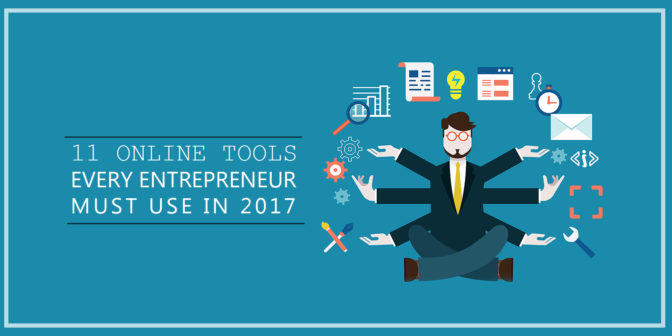
    Top 11 Online Business Tools Every Entrepreneur Must Use in 2017.

    Customer Relationship Management:

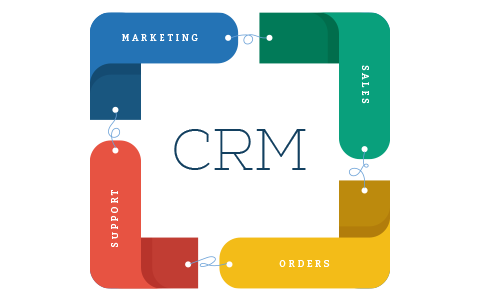
    We believe that this is the single most important tool that every entrepreneur should use. CRM tools basically help with Marketing automation, sales automation, and support automation. There are various tools that we like in this space. These tools are as follows:

    CRM-KloudConnectors

    Email Marketing system:

    Email marketing is very important tools for sending out newsletters, campaigns, nurturing your leads etc We strongly recommend MailChimp and constant Contact, Campaign Monitor, iContact, Zoho Campaigns which are leaders in this field.


    email-marketing - KloudConnectors

    Project Management suite:

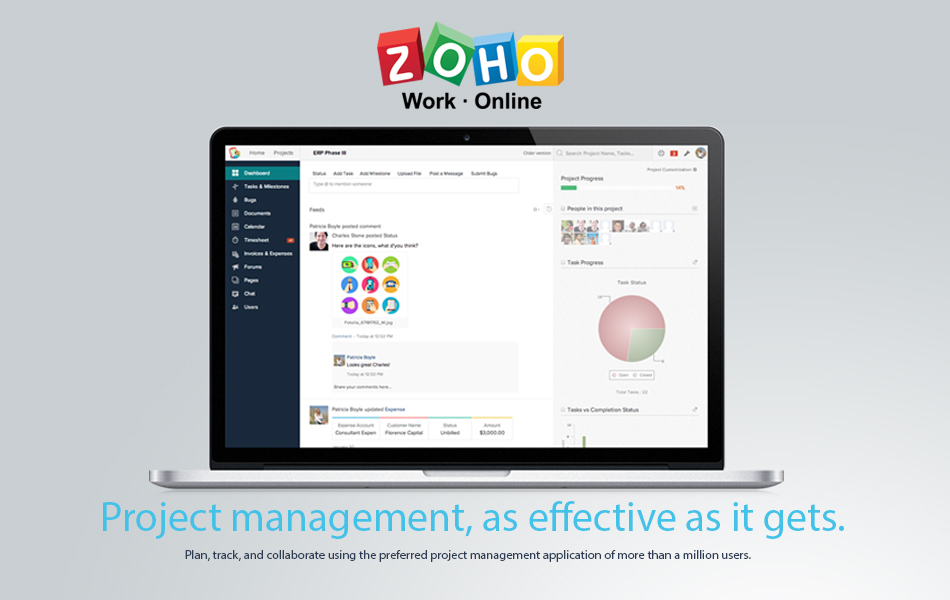
    If you are working on various projects, project management systems help you to track all your projects in a single system. There are various tools that one can use. But we recommend Asana, Trello, Zoho Projects for this.

    zoho

    Online HelpDesk system:

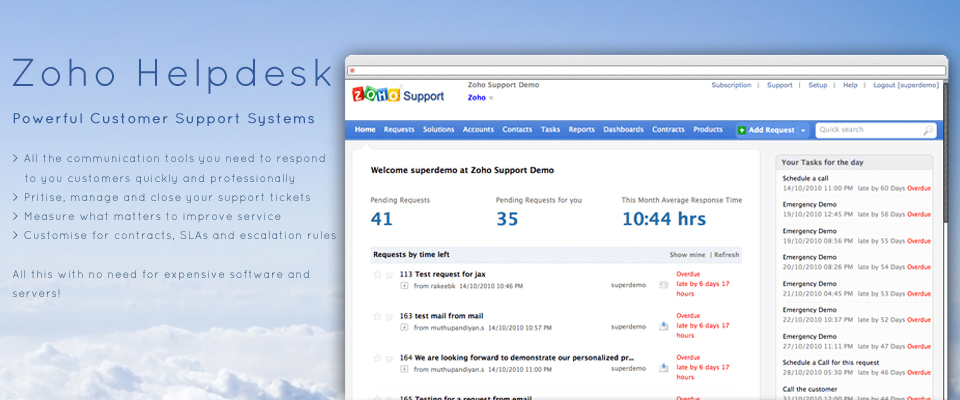
    Customer support is a very important function of the business. There are various online help desk software. We like Zoho Help Desk, FreshDesk, and ZenDesk in this category. We use Zoho Help Desk.

    Zoho Help Desk

    Analytics:

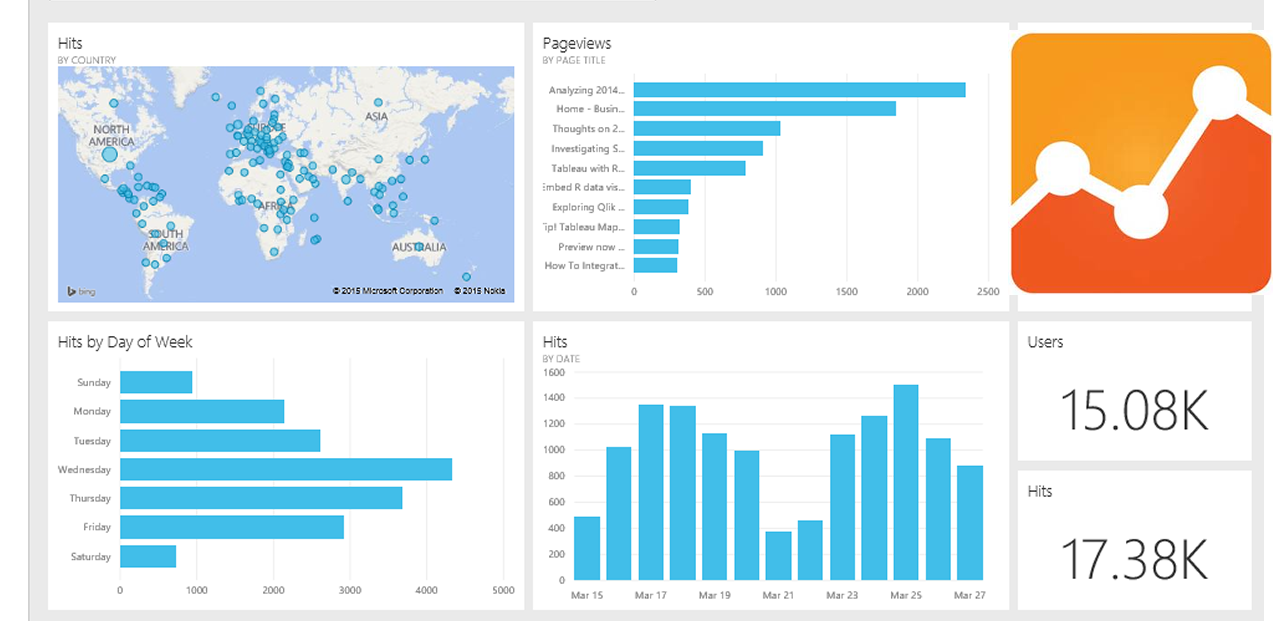
    It is important to know about your website visitors and we recommend none other than Google Analytics in this category. This a free tool and gives you actionable insights into your website visitors.


    google analytics dashboard

    Social Media Marketing:

    Social Media marketing has become an integral part of the business. Posting on all the accounts can be very cumbersome and tracking them all is even more difficult. One should use tools which help in posting on various platforms and also allow one to track all the conversations in a single window. We like HooteSuite and Bufferly in this space. We use HooteSuite for managing our social media accounts.

     HooteSuite and Bufferly

    Bookkeeping / Accounting software:

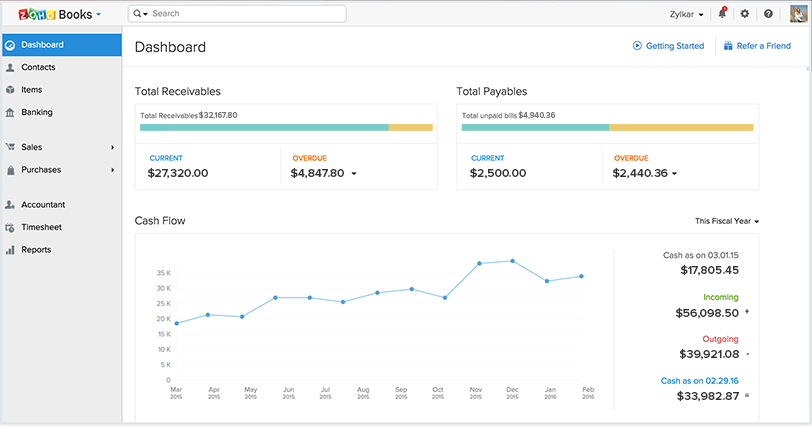
    Online accounting is fun and helps you to improve your cash flow. One can create invoices while traveling, book expenses in the real time and keep your accounting system up to date. Also, most of these online Softwares have banks feeds directly getting imported in the system automatically for easy bank reconciliation. This saves tons of time and allows entrepreneurs to do their accounting easily by themselves. We like ZohoBooks, Xero, QuickBooks Online, FreeAgent, Kashflow, FreshBooks in this segment. We recommend and use ZohoBooks.

    zoho Books KloudConnectors


    One Way SyncTry Now

    Unlimited Orders(+ Products,Contacts)

    One Way SyncTry Now

    Unlimited Customer and Suppliers

    One Way SyncTry Now

    Unlimited Customer and Suppliers


    Online web chat:

    One can interact with the customer directly when they visit your website. This can lead to better customer satisfaction and also improve your revenue. Getting answers real time through online chat is a great experience for the customer. There are few very popular software in this segment like Zopim ( acquired by ZenDesk), LiveChat, Zoho SalesIq etc. We like Zoho SalesIq as it also integrates well with our CRM system and HelpDesk system. It also gives you real insights about the customers when they visit your website. We recommend ZohoSalesIq.

    Evernote:

    We strongly recommend Evernote. This can be useful for anyone to capture notes during customer visits, meetings. You can take notes during the discussions, meetings and record it on Evernote. Once you are back in the office, you can also sync these notes with your CRM system if you are using connectors for syncing.

    Evernote kloudconnectors


    One Way SyncTry Now

    Unlimited Notes – Unlimited Contacts 

    One Way SyncTry Now

    Unlimited Notes – Unlimited Contacts

    One Way SyncTry Now

    Sync Unlimited Notes and Contacts


    Business Collaboration Suite /Document creators:

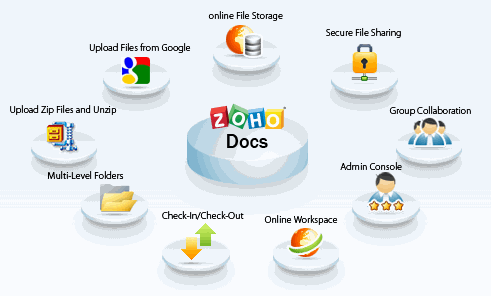
    Google Business suite which consists of Gmail, google docs, google hangout is an excellent suite for online collaboration and run your business completely online. We also like Zoho Suite which has Google Doc equivalent Zoho Docs and Zoho Mail. Zoho also has Zoho sites like Google sites. We recommend Google Suite and Zoho Docs.

    Zoho Docs KloudConnectors

    Integration Tool – KLOUDCONNECTORS

    There are many cloud integration tools which help you to attain the highest level of productivity. These cloud integration platforms integrate and sync your data across these cloud systems. Although there are lots of choices, we would strongly recommend KloudConnectors as they not only sync data but also integrate your business processes in different clouds. Eg. If you create an invoice through CRM system, it automatically creates that invoice in the accounting system and also when the invoice is marked as paid, it marks that invoice as paid in your CRM system. There is also a blog written on the differences between KloudConnectors and other integration tool called Zapier.

  • Zoey To Zoho CRM Connector

    Zoey To Zoho CRM Connector

    zoey-to-zoho-crm_kloudconnectors

    Zoey To Zoho CRM Connector 

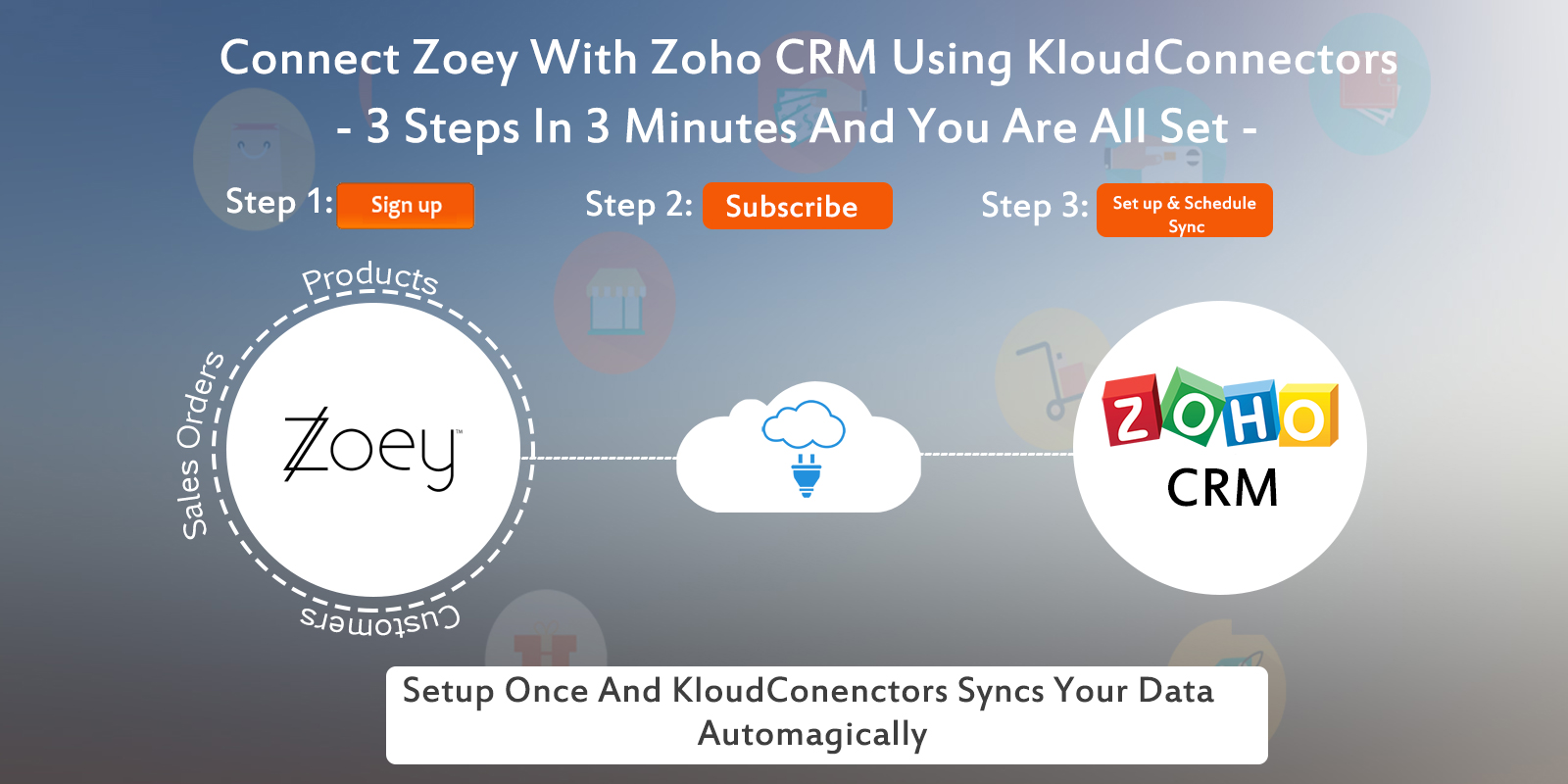
    Kloud Connectors is happy to announce addition of one more Connector to our family, Zoey To Zoho CRM Connector. Now, Zoey users can sync their Sales Orders, Customers, Products with one of the best Customer relationship management software – Zoho CRM.

    Description:

    Identify Cross sale and Up sale opportunities, Increase your sale multifold by subscribing to this Zoey based app

    • Benefit more from your Zoho CRM by having every single piece of information about customer order in it using this Zoho CRM Add-on
    • Stop going back and forth between your Zoho CRM and Zoey for Important Business information
    • No more Disconnect between your Customer Database and your E-Commerce system. Use customer data for targeted email marketing
    • Track your sales with Sales forecast and Actual sales in the same system with tight Integration between 2 Clouds.

    List of Features:

    Schedule the Sync once and Enjoy the benefits every single day. Focus on your core business

    • Get your popular Products autoMagically from your Zoey to Zoho CRM, as a result your sales team will be on same page with the rest
    • Keep your CRM up to date. See customer orders from your Zoey getting updated as Sales Orders in your Zoho CRM autoMagically
    • Make Customer Information directly and automatically available to your Sales team through Zoho CRM, making their tasks easier
    • In addition to above features, Connect your 2 most Important Systems of your Business, your CRM and your E-Commerce system with this E-Commerce plugin.
    • Finally, you can  can set up the connector once and it runs automatically. Connector also comes with Sync on Demand option as a result you can force the sync if you want to sync immediately.

     In Paid plan you will get following facilities :

    SYNC ANY TIME, UNLIMITED CUSTOMERS SYNCING, UNLIMITED PRODUCTS SYNCING, UNLIMITED SALES ORDER RELATED CUSTOMERS , PRODUCTS SYNCING.

    If you are using Zoey and trying to increase your customers engagement and revenue,  why don’t you give it a try ? Trial is Free.If you have any questions, please get in touch with us on support@kloudconnectors.com

    Try Now annual planmonthly plan


    How to Setup Zoey to Zoho CRM Connector

    Support/Contact Information:

    You can also write to us about your issues at
    support@kloudconnectors.com
    Need to discuss more about a product before buying ?
    Our Sales team would love to talk to you. Write to them at sales@kloudconnectors.com
    You can also reach us on our Phone Numbers
    US +1 917-720-3661
    UK +44-08447048669
    IN +91-20-25393381


  • 11 Things To Do This Holiday Season For A Great 2017

    11 Things To Do This Holiday Season For A Great 2017

    11 Things to do this holiday season for a great 2017
    The holiday season is usually a very slow season for most of the businesses. There are two options for every entrepreneurs viz take the time off like others or sit tight and do something for smooth sailing in the new year.

    This article suggests 10 things that one can do during this holiday season for better tomorrow.

    1. Get ready for a tax season : The slowdown offers lot of free time. Spend this time on getting yourself and your business ready for the tax season. Most of the small business owners don’t like this activity and many of them do this just before the deadlines. Use this free time to put your documents in place. Make accounting entries, calculate your deductions, expenses. Send invoices to your customers. Give all your records to accountants if you use external help. This will ensure you would have less stress during the tax season.
    2. Clean your office.:  Go through all the piles of papers and magazines that have been sitting around and get rid of them once and for all. Remember the office organizing mantra: do it, ditch it or delegate it. File all your papers, dust and vacuum your office. Reorganize your desk and your office so that you can find everything you need in 60 seconds or less.
    3. Review your business : Analyze what worked during the year and what didn’t work during the year. Knowing what works and what doesn’t will help you plan for a better future for your business
    4. Planning for 2017 : You can spend this time for planning for future. Set goals for 2017. Set up activities, new services as per your goals. Revisit your business strategy
    5. Tidy up your website : During this free time you can have a look at your website critically. Does it convey message to the customers ? Is it responsive ( mobile friendly) ? If not then this is the time to work on it. Remember 60% of the traffic in 2017 would be through mobile devices. Let us know if you need any help here.
    6. Move your systems to cloud : Many organizations are already using cloud apps for their businesses. Have a look at your businesses and see if there is any other business process which needs to go to cloud.
    7. Automate your business as much as possible: Think of automating your business as much as possible. As a small business owner, you are always struggling with bandwidth and resources. It makes sense to take a holistic approach to cloud, moble and automate as many processes as possible. This will give you competitive advantages over others.
    8. Tick of few items from your life’s wishlist : Every person wants to do few things to do before dying. Review your list or prepare one if it doesn’t exist. Try to tick of few during this lull period.
    9. Get your health check up : During busy time, you don’t have time for this. Get your annual health check ups done during this time. Also define your health goals for 2017.
    10. Spend time with family, employees, friends and hobbies: Take a break from your work and spend exclusive time with your family , friends and hobbies. This will make you feel stress free and also foster relationships. Go for opera, movies, golfing, fishing etc.
    11. Holidays season offers for customers / Gifts for customers: If your business allows create tempting holiday season offers for your customers also you can think of gifting your loyal customers.

    As you can see, you can make use of this free time to gear up for better 2017 businesswise.